Setting your weekly availability
Toggle days on or off and set the hours you can work.
For everyoneUpdated 31 August 2026
Android app
- Go to Profile → Availability ("My Availability").
- Toggle each weekday on or off. For available days set FROM and UNTIL times.
- Changes save automatically when you pick a time — there is no separate save button.
If a save fails (for example with no connection) you'll see a Save failed alert and the switch returns to its previous state — nothing is silently lost.
Web
The Availability page offers the same weekly editor.
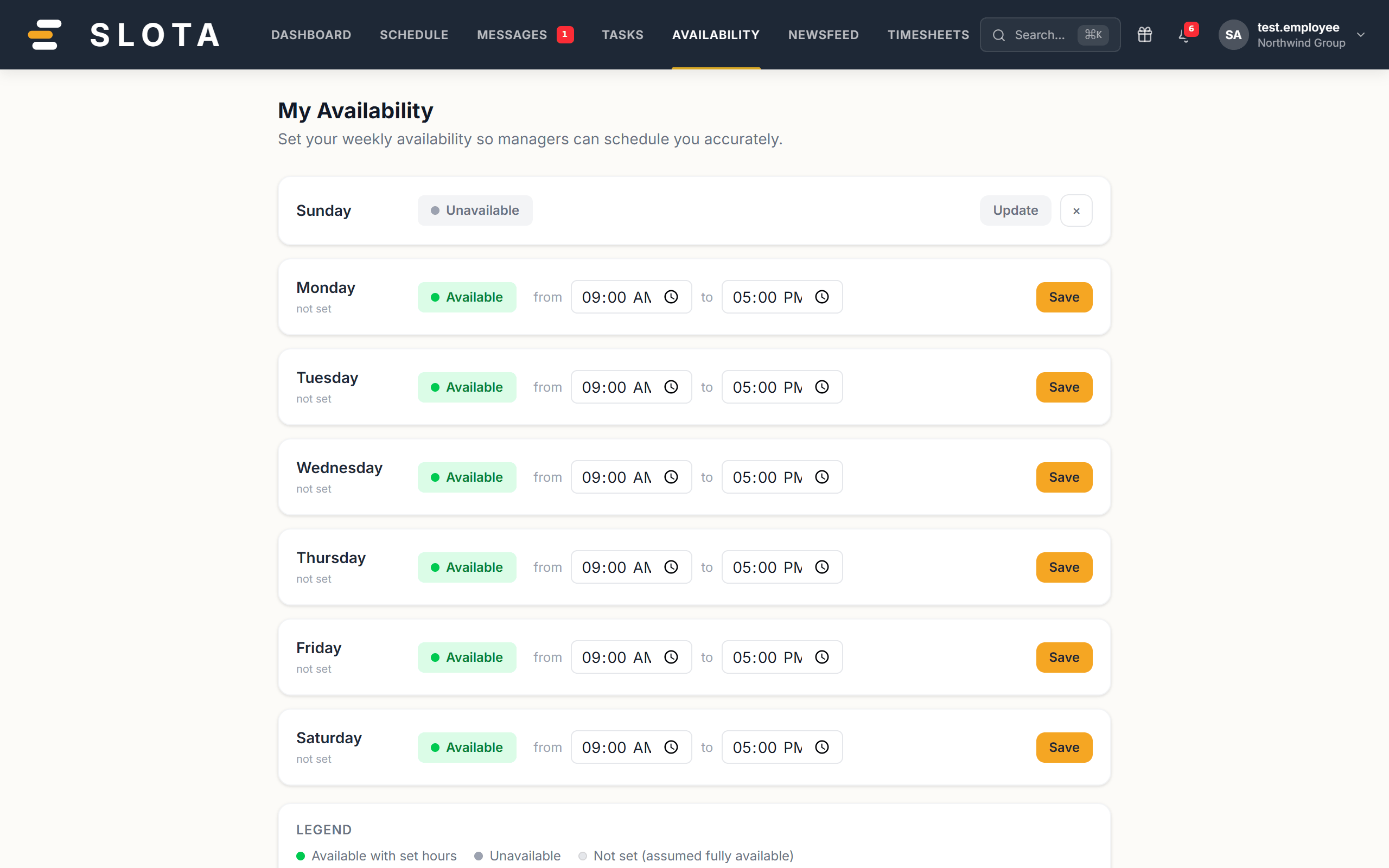
Managers see availability while scheduling, so keep it current.
What managers see
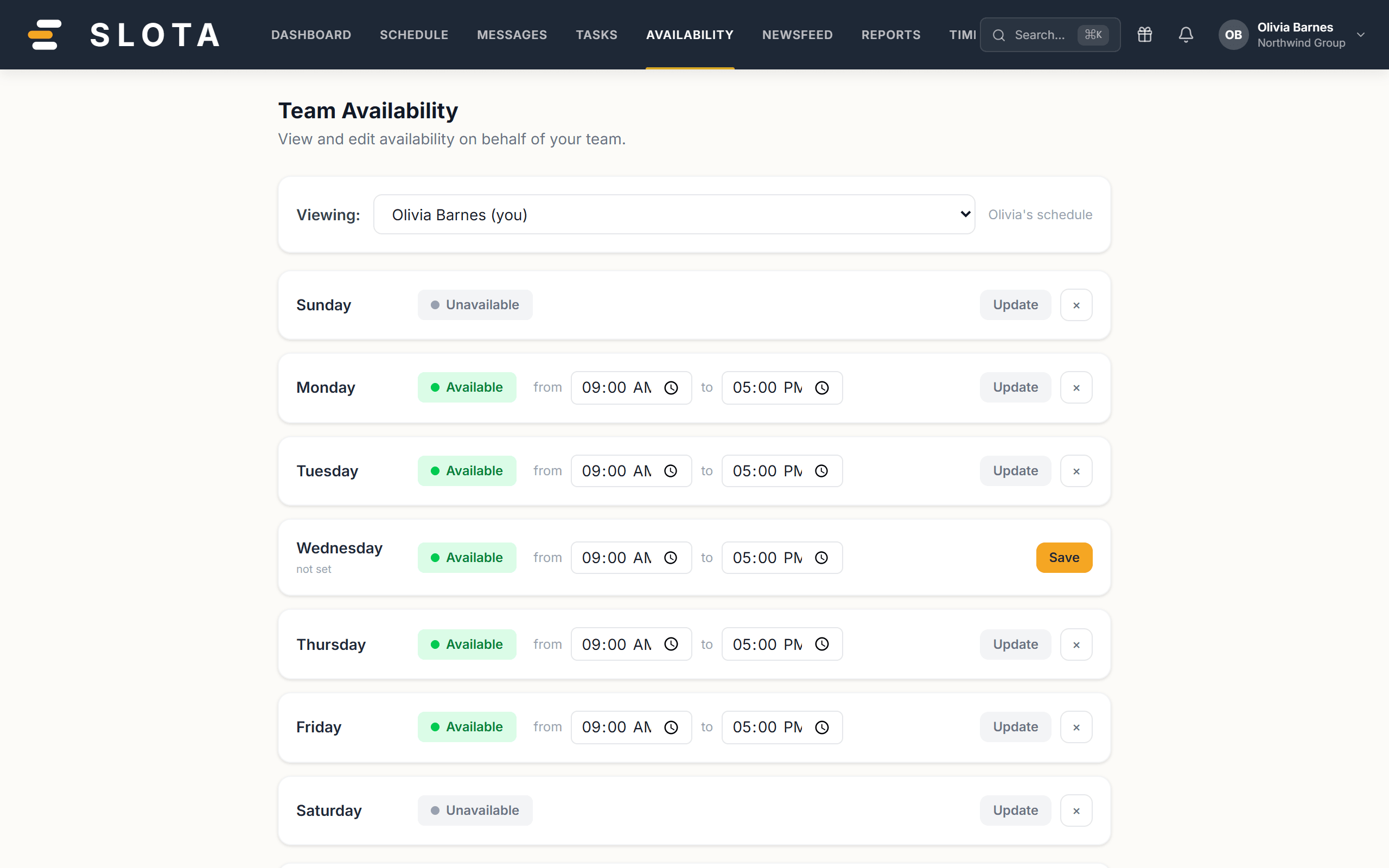
Managers get the whole team's pattern in one place. Scheduling over someone's stated availability raises an Availability conflict warning on the shift — it does not block the shift, so the warning is only as useful as the data behind it.