Sending messages
DM a teammate or message a group, on web or Android.
For everyoneUpdated 31 August 2026
Web
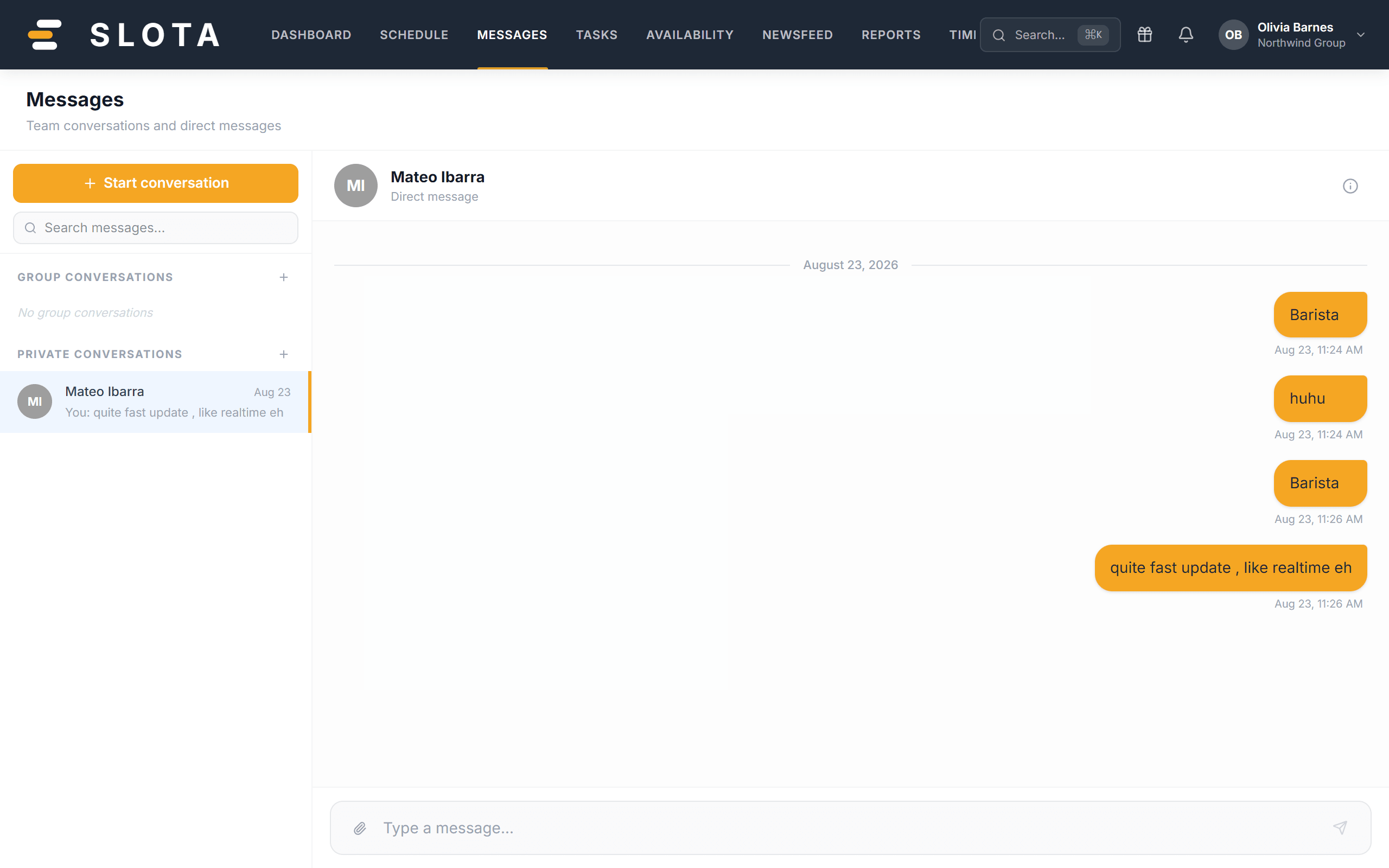
- Open Messages. Conversations are grouped into Group conversations and Private conversations.
- Pick a conversation (or + Start conversation), type in the message box and press Enter.
Android app
- Open the Messages tab. Chats and Announcements are separate tabs; unread counts show on each conversation.
- Tap a conversation, type your message and tap the send button.
New messages raise the unread badge on the other person's app. Deployment publishes and other system events can also arrive as automatic DMs summarising what changed.
What your administrator controls
In Settings → Company:
- Enable messaging — the master switch for the whole feature.
- Employees can start conversations — with this off, only managers open new threads. Staff can still reply to threads they are in.
In Settings → Notifications, New message controls whether a message raises a notification.