What each report tab tells you
The six tabs, the questions they answer, and their columns.
Labor
What the schedule costs. Columns cover DETAILS (Position, Pay type) and HOURS & WAGES (Sch. shifts, Sch. hours, OT hours, Est. cost, OT cost).
Use it while planning — it is built from the roster, so it answers "what will this week cost" before the week happens.
Payroll
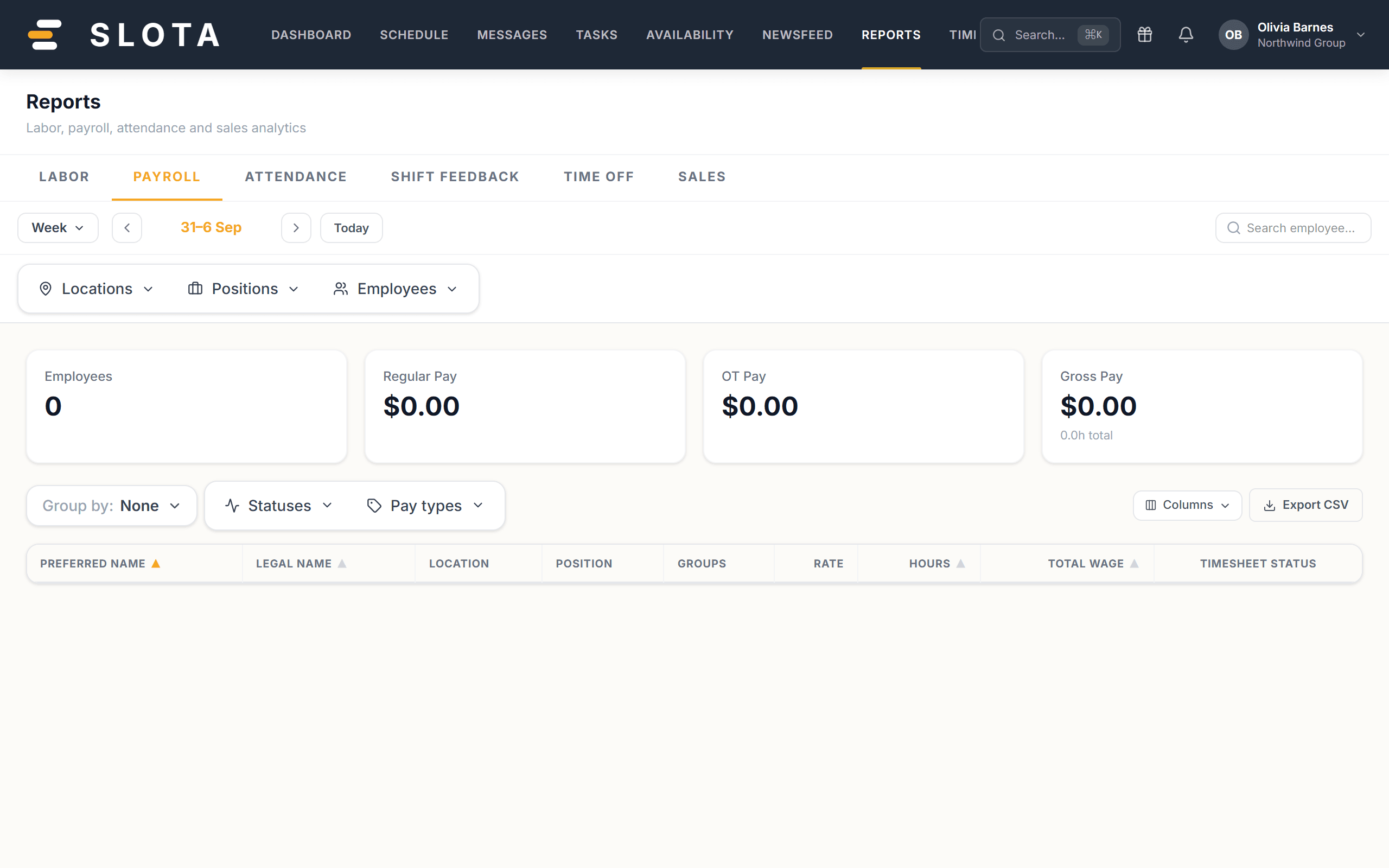
What the week actually costs, from approved timesheets. This is the number payroll uses.
Attendance
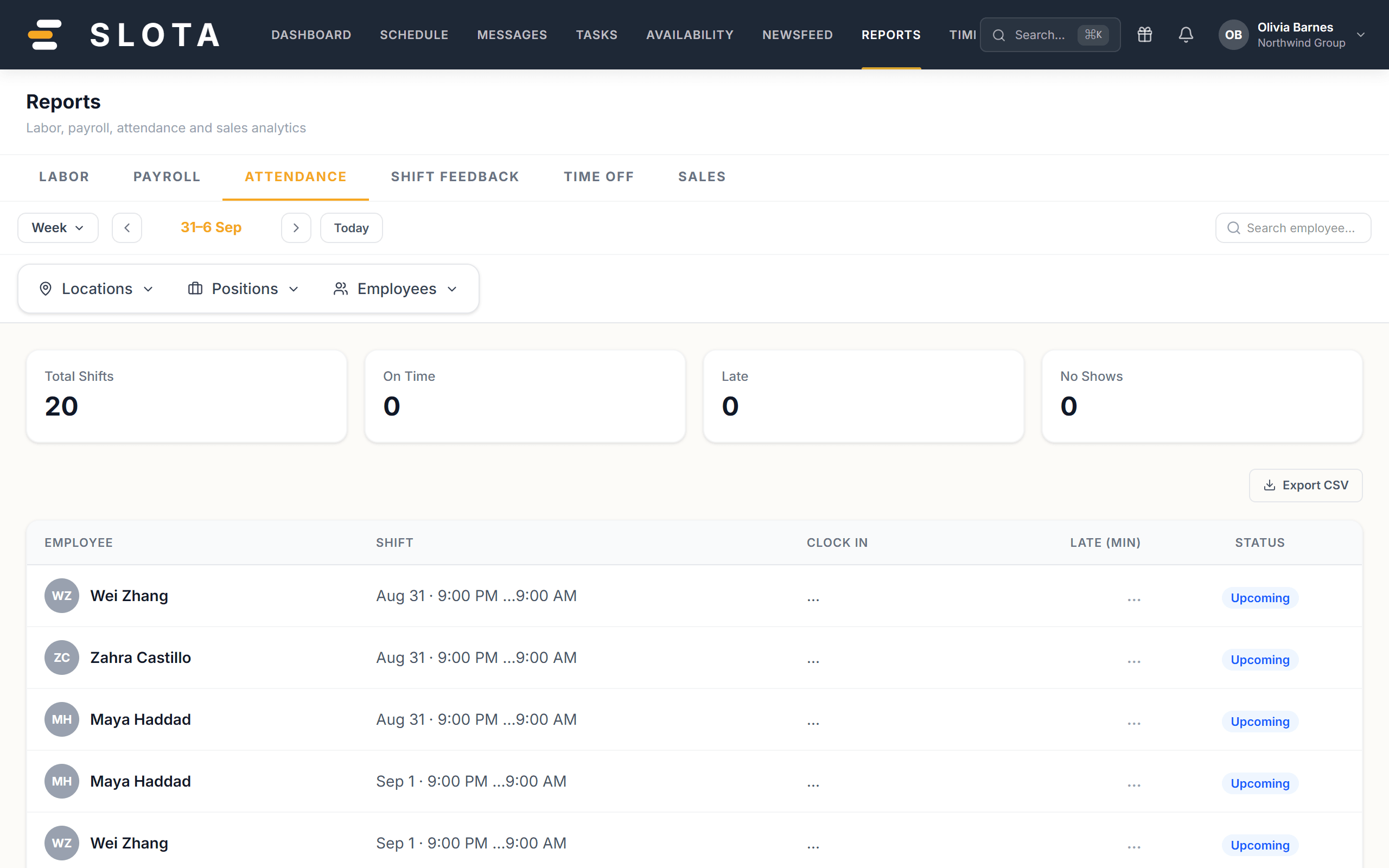
Punctuality against the roster, with each entry classed On Time, Late, No Show or Upcoming.
Shift Feedback
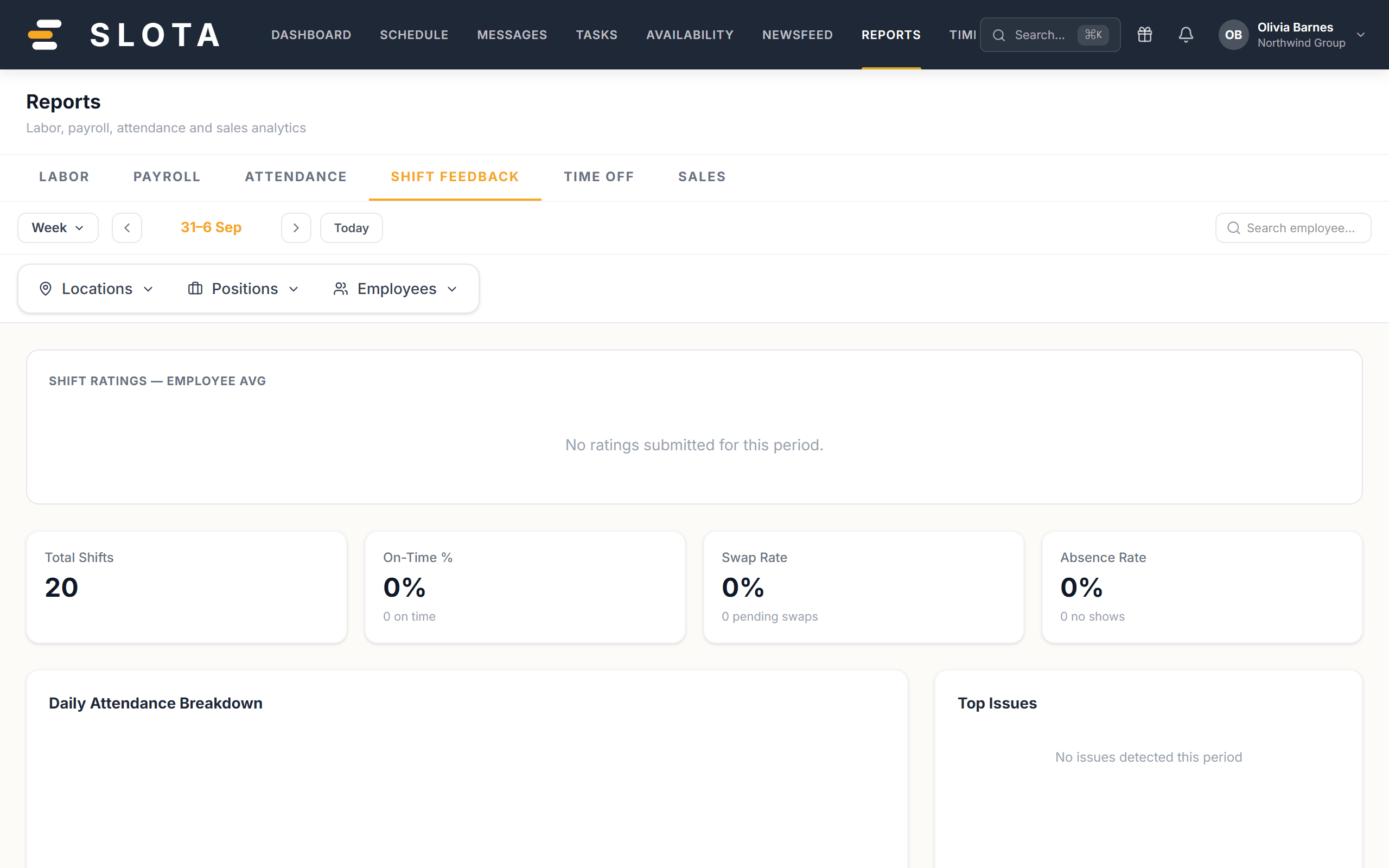
Ratings and comments captured against shifts.
Time Off
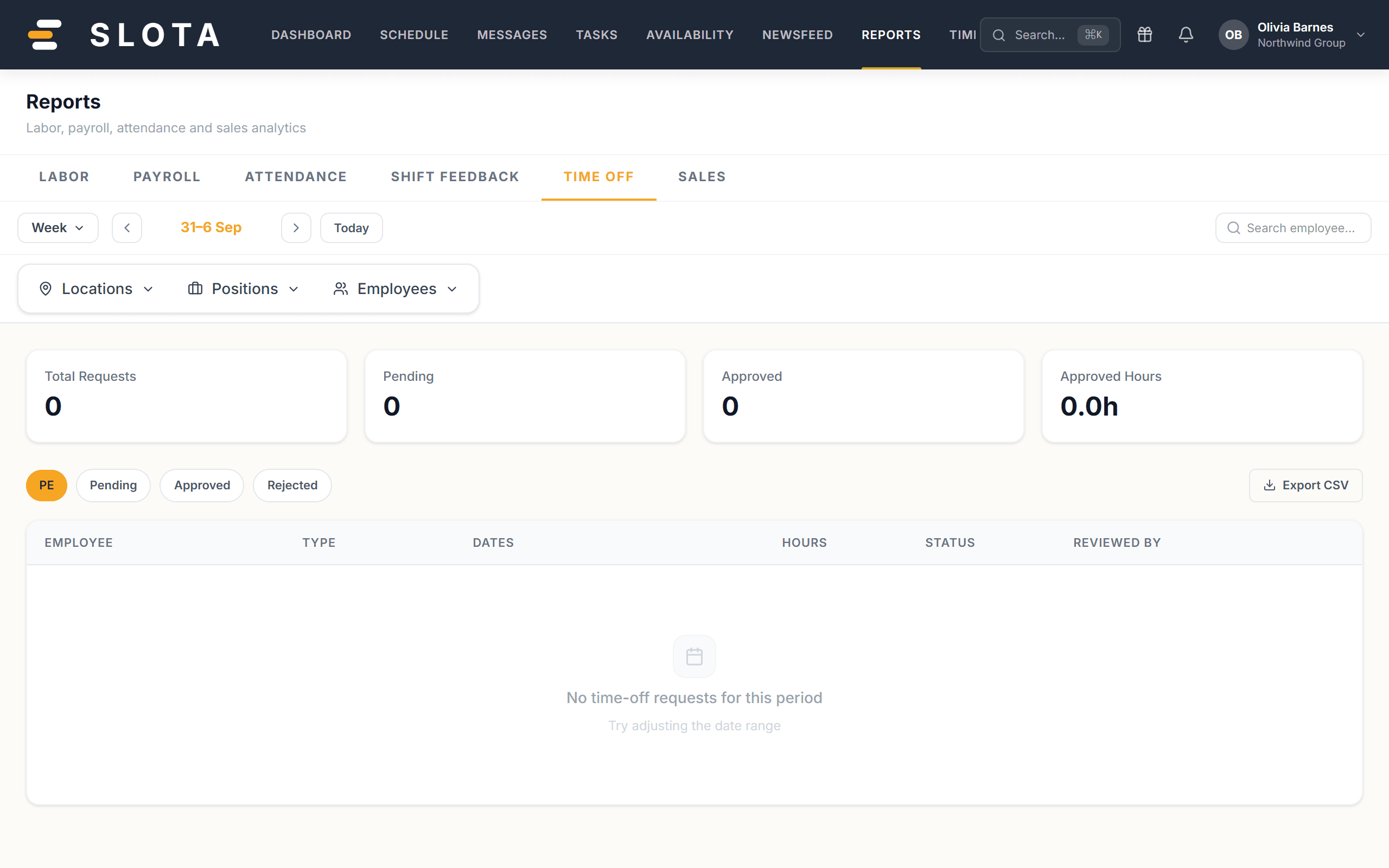
Leave across the period, by status — Pending, Approved, Rejected.
Sales
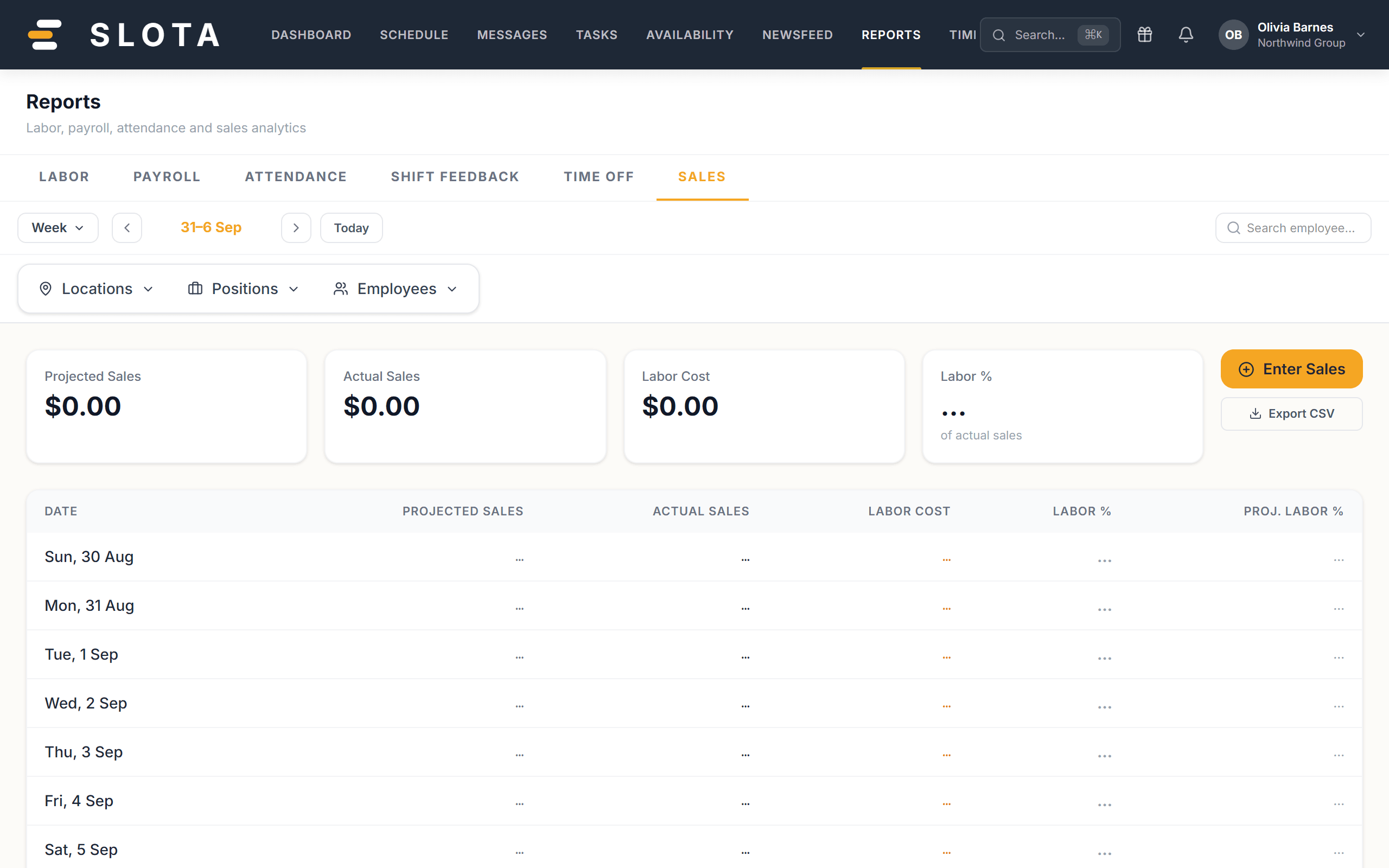
Projected Sales, Actual Sales, Labor Cost and Labor % — the ratio your Settings → Labor Cost → Target labor % is measured against. It needs sales entries to be meaningful.
Practices
- Labor is a forecast, Payroll is a fact. If they disagree, the difference is the week's overtime, absence and no-shows — that gap is the useful number.
- Read Attendance alongside Deployment. A cluster of Late at one station is usually a kiosk placement problem, not a discipline problem.