Schedule settings (admins)
Week start, default view, open shifts, visibility and the clopening threshold.
For administratorsUpdated 31 August 2026
Open Settings → Schedule.
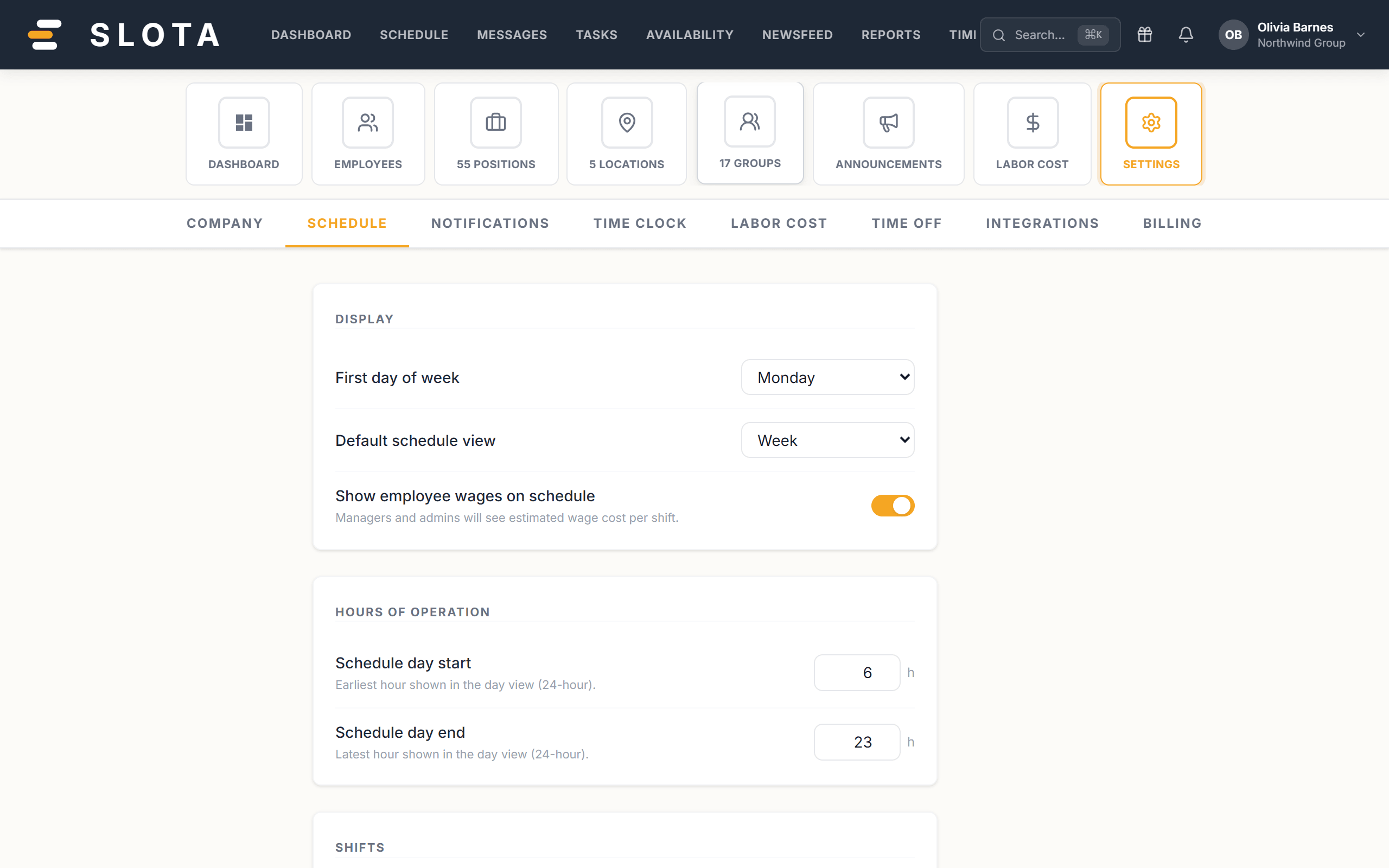
Layout
- First day of week — where the week grid starts.
- Default schedule view — Day, Week or Month on open.
- Schedule day start / Schedule day end — the earliest and latest hour the day view shows (24-hour). A venue trading past midnight needs this widened or shifts fall off the edge.
- Default shift length — pre-filled when creating a new shift.
Money on screen
- Show employee wages on schedule — managers and admins see estimated wage cost per shift.
Clocking
- Clock-in window — how early employees can clock in before their shift starts.
What employees can do
- Allow open shifts — employees can pick up unassigned shifts.
- Require shift confirmation — employees must confirm scheduled shifts before they're locked in.
- Restrict shift exchanges by location — employees can only swap or pick up shifts matching their own location and position.
- Employee schedule visibility — how much of the schedule employees can see.
- Show coworker names in shift details — employees can see who else is on the same shift.
Safety
- Clopening warning threshold — warn when an employee has fewer than this many hours between a closing and an opening shift. Set 0 to disable.
Practices
- Leave the clopening threshold on. It is the only automatic guard against the rota pattern that burns people out fastest.
- Require shift confirmation turns publishing into a two-way handshake. Useful for casual staff; friction for a fixed team.
- Narrow Employee schedule visibility rather than restricting Manager roles when the concern is privacy — it is the setting built for that question.