Notification settings (admins)
Every event that can notify, and who it reaches.
For administratorsUpdated 31 August 2026
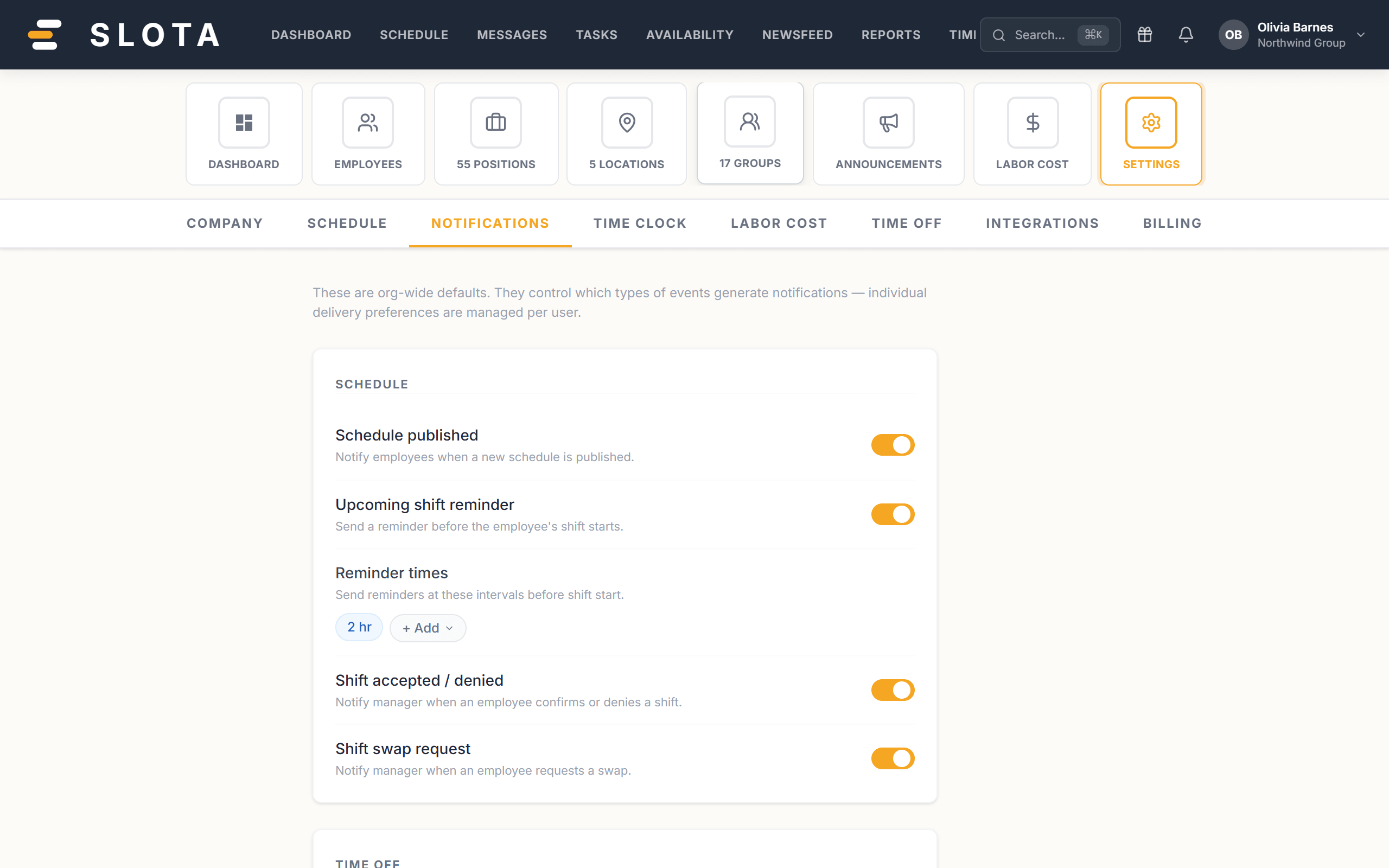
Open Settings → Notifications. Each row is one event you can turn on or off.
To employees
- Schedule published — notify employees when a new schedule is published.
- Upcoming shift reminder — send a reminder before the shift starts.
- Time-off approved / rejected — notify the employee when their request status changes.
To managers
- Shift accepted / denied — when an employee confirms or denies a shift.
- Shift swap request — when an employee requests a swap.
- Time-off request submitted — when an employee submits a request.
- Employee clocks in — clock-in alerts (non-real-time).
- Late arrival — an employee clocked in after their scheduled start.
- No-show — a scheduled shift was not covered.
- Missed break alert — a required break was missed.
- Clopening warning — scheduling would create a clopening violation.
Everyone
- New message — a direct or group message was received.
Practices
- Turn on the manager alerts you will act on, and no others. A manager who gets forty clock-in pings a day reads none of them, including the no-show.
- No-show and Late arrival are the two worth keeping on in almost every organisation — they are the ones that need a response within the hour.
- Review this page after the first fortnight. The right set is obvious once you have seen the volume.