Labour cost settings (admins)
Currency, budget, target labour %, overtime, holiday pay and on-costs.
For administratorsUpdated 31 August 2026
Open Settings → Labor Cost. This is what turns hours into money.
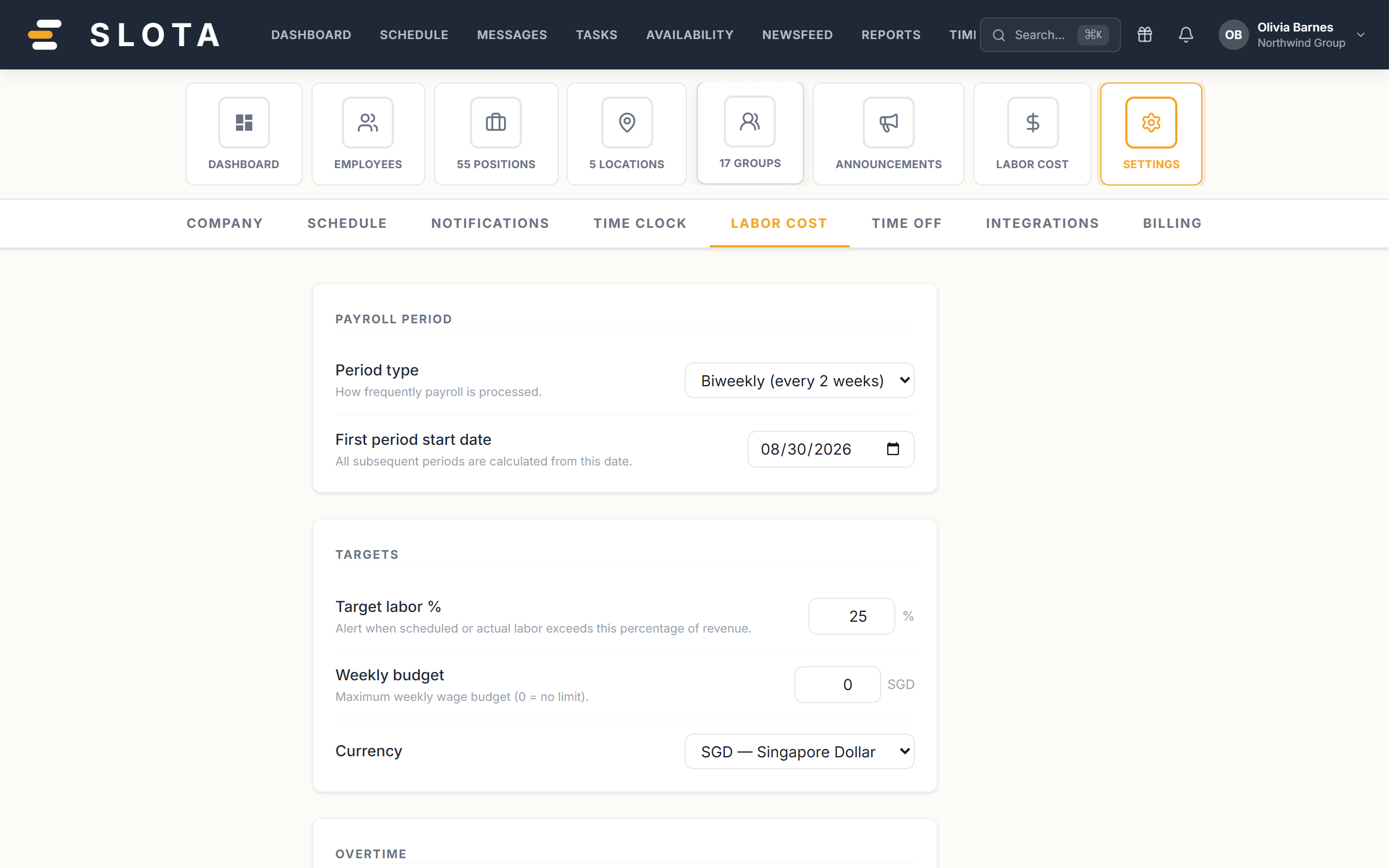
Budget
- Period type — the period budgets are measured over.
- Target labor % — alert when scheduled or actual labour exceeds this percentage of revenue.
- Weekly budget — maximum weekly wage budget; 0 means no limit.
- Currency — used everywhere money is shown.
Overtime
- Weekly overtime — apply a multiplier when weekly hours exceed the threshold.
- Weekly OT threshold (20–80 hours/week) and Weekly OT multiplier (1–3×).
Daily overtime lives in Settings → Time Clock.
Premiums
- Enable holiday pay and Holiday rate multiplier (1–4×) for shifts on designated holidays.
- Spread of hours pay — extra pay when the span from first clock-in to last clock-out exceeds 10 hours in one day.
On-costs
- Include employer taxes — CPF employer contribution and other statutory costs — with a Tax / contribution rate (0–50%).
- Include benefits and a Benefits multiplier (1–3×) on top of base wages.
Practices
- Turn on employer taxes and benefits if you want the labour report to mean anything. Base wages alone understate the real cost of an hour, often by a fifth or more.
- Set Target labor % only once sales entries exist — otherwise the alert has no denominator.
- Weekly and daily overtime are configured in different places on purpose. Set both, or you will find one of them silently doing nothing.