Creating an organisation
The self-serve sign-up route and what it creates.
For administratorsUpdated 31 August 2026
- From the sign-in page, select Create your organization.
- Fill in the organisation name and your own details, then submit.
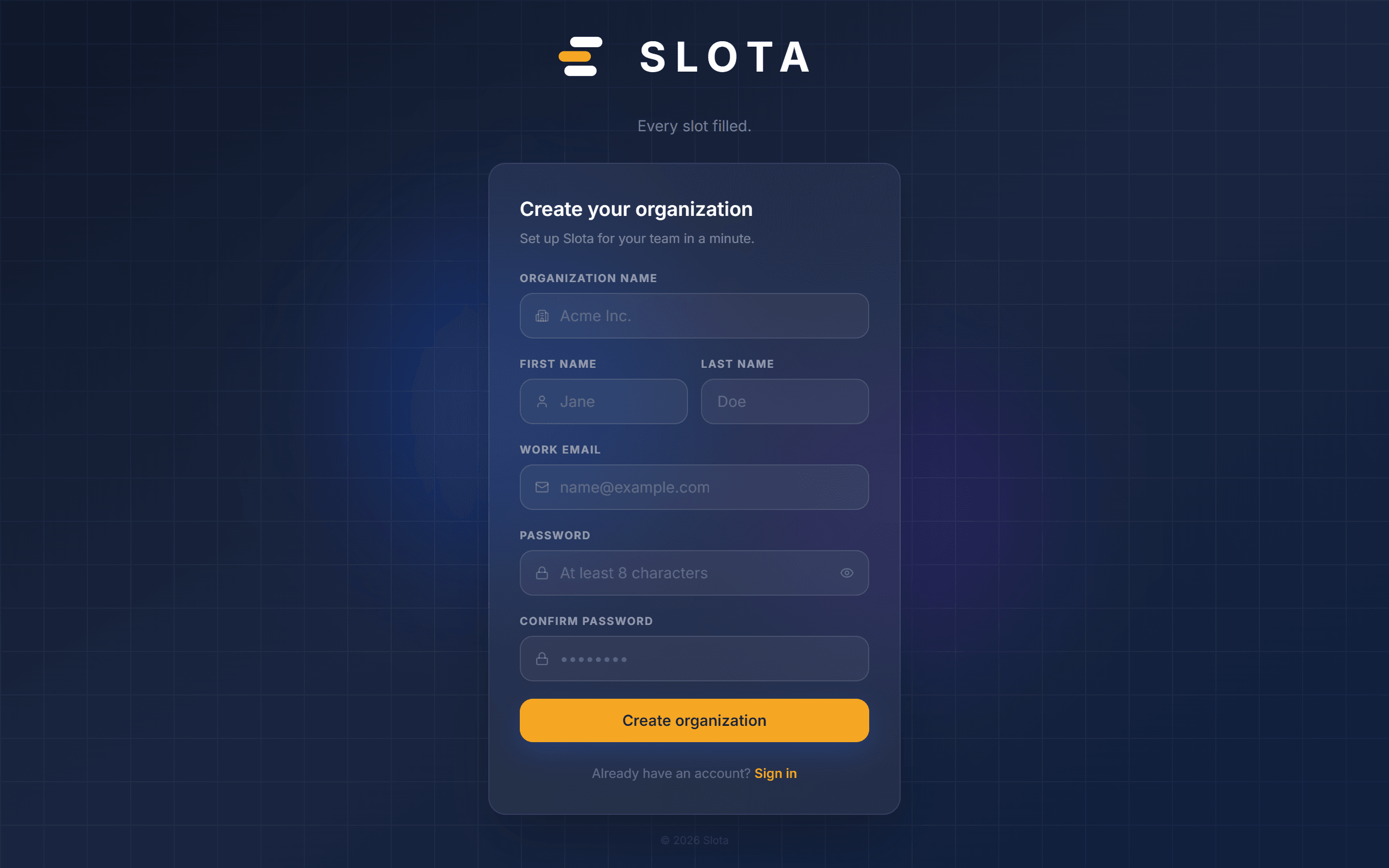
You become the organisation's first Admin. Everyone else joins by invitation.
Self-serve sign-up can be turned off at the platform level. If it is off, the page loads but registration is refused — the error appears on the page rather than failing silently. Existing organisations are unaffected.
New organisations start on the Starter plan. See *Plans and billing* for what each tier includes and how seat limits behave.