Company settings (admins)
Visibility, messaging and feature switches for the whole organisation.
For administratorsUpdated 31 August 2026
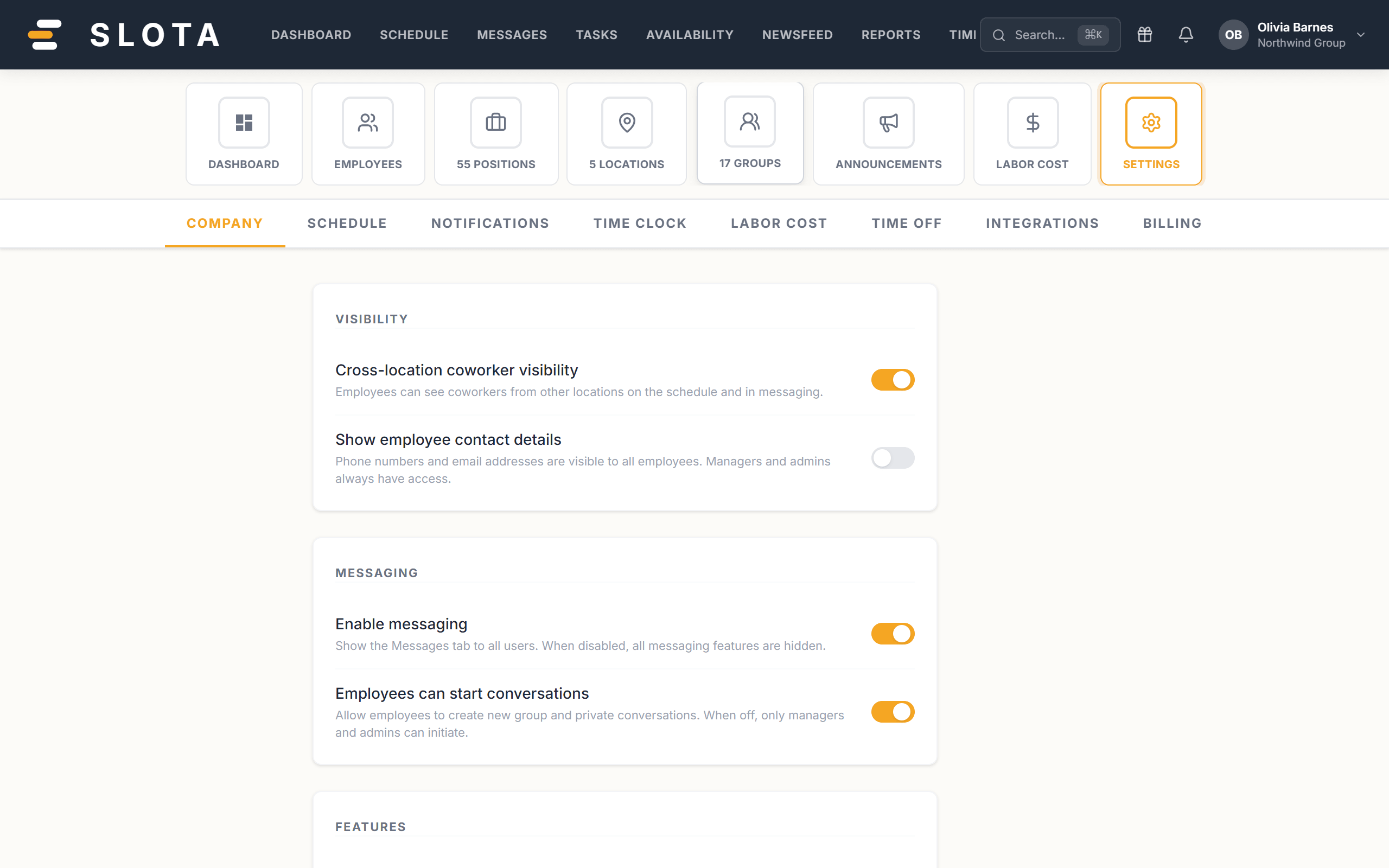
Open Settings → Company. These switches apply to everyone.
Visibility
- Cross-location coworker visibility — whether staff can see colleagues from other outlets.
- Show employee contact details — whether staff can see each other's phone and email.
Messaging
- Enable messaging — the master switch for direct and group messages.
- Employees can start conversations — off means only managers open new threads; staff can still reply.
Features
- Enable tasks — turns the Tasks area on or off organisation-wide.
Onboarding
- Enable employee tasks — turns the onboarding task sets and document signing on.
Turning a feature off hides it everywhere, including the Android app. Turning it back on restores the existing data — nothing is deleted by the switch.