Locations (admins)
Outlets and sites, with timezone, colour and geofence radius.
For administratorsUpdated 31 August 2026
Open Settings → Locations (or the Locations tile on the Dashboard ribbon).
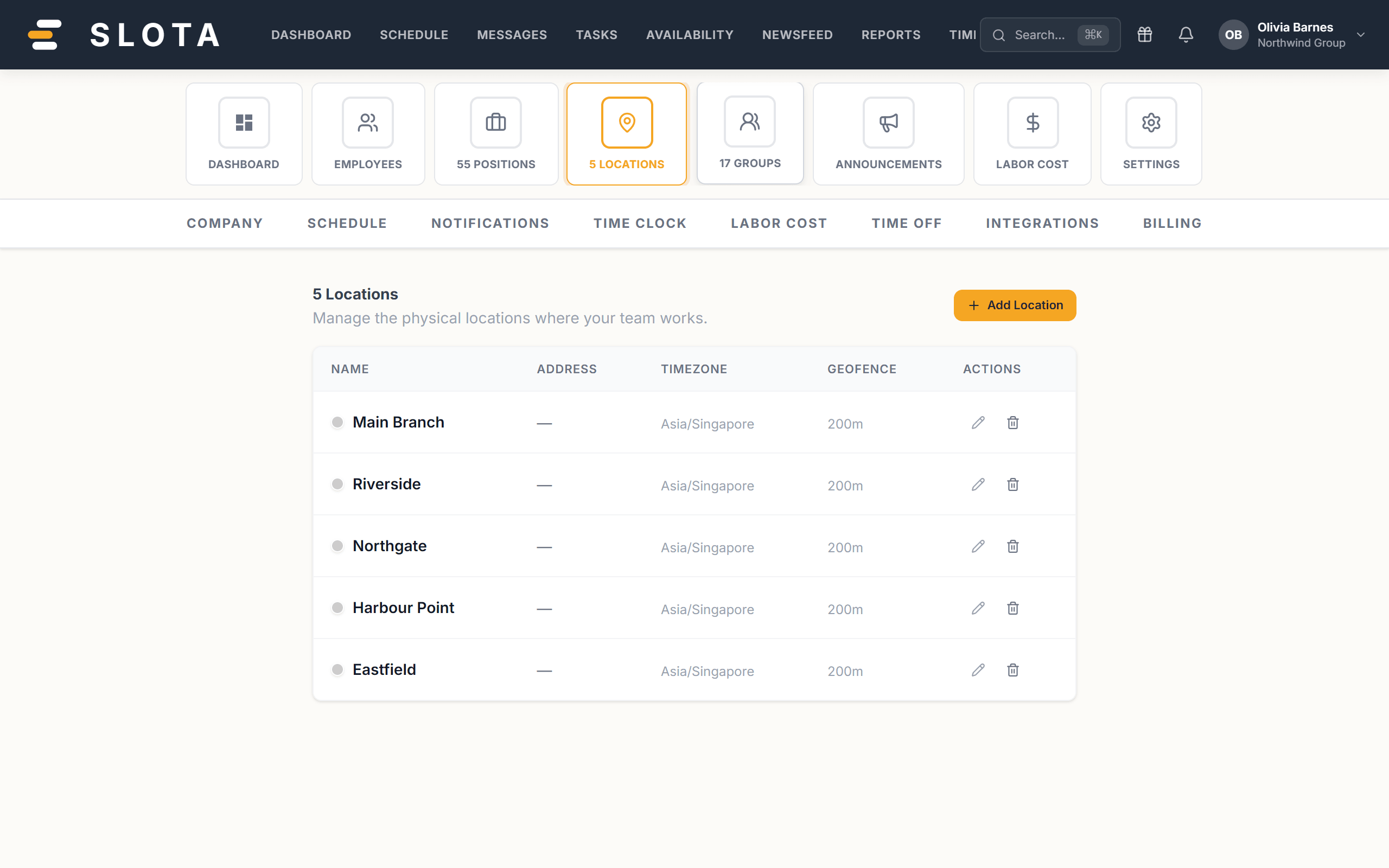
Adding a location
- Select Add location.
- Location name (required) — e.g. "Main Branch".
- Colour — used to distinguish outlets across the product.
- Address (optional) — e.g. "1 Orchard Road, Singapore".
- Timezone — every shift time at this location is read against it. Get this right first.
- Geofence radius (m) — between 50 and 5000 metres, default 200. Only takes effect when GPS geofencing is enabled in Settings → Time Clock.
- Save. Press Enter in the name field to save quickly.
Practices
- One location per physical site people clock in at, not per department. Departments are positions; teams are groups.
- Set the timezone before the first shift is created. Changing it later does not move shifts already scheduled.
- Keep the geofence generous enough to cover the whole building and its entrance. Too tight and honest staff get blocked at the door.
- Kiosks are registered against a location, so a location must exist before its kiosk does.