Groups (admins)
Free-form team groupings for filtering, messaging and announcements.
For administratorsUpdated 31 August 2026
Open Settings → Groups. A group is a named set of people — nothing more, and deliberately so.
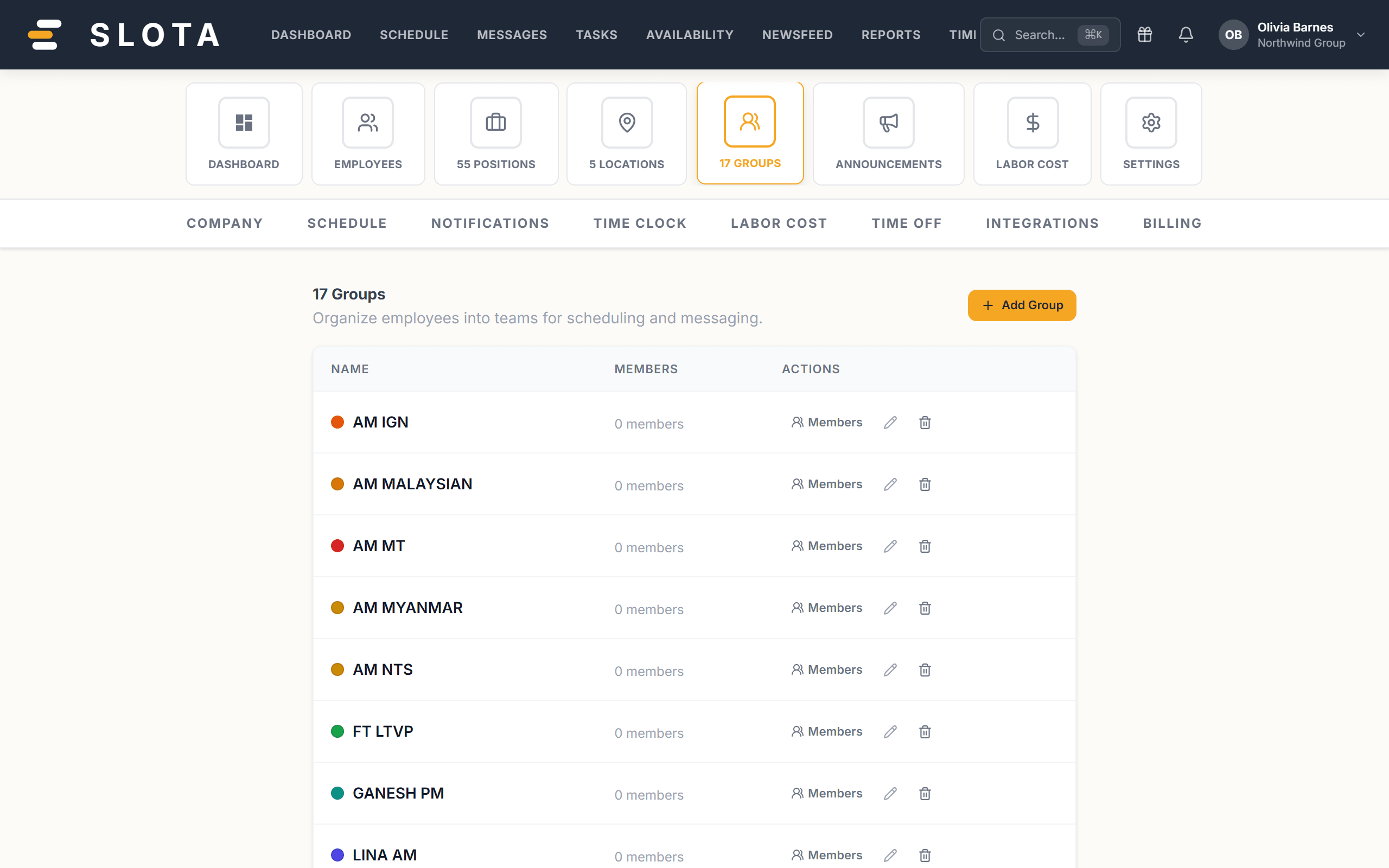
- Create the group with a name.
- Open it to see members, and add people from the searchable list of employees not already in it.
- Remove a member at any time; removing someone from a group never touches their shifts or account.
What groups are used for
- Filtering the Schedule, Timesheets and Reports.
- Targeting a Newsfeed announcement at part of the organisation.
- Group conversations in Messages.
Practices
- Groups are for things that cut across positions and locations — "Openers", "Trainees", "Weekend crew".
- If a grouping maps exactly to a position or a location, use that instead. Duplicating it as a group means keeping two lists in sync by hand.