Completing your tasks
Work through your task sets and acknowledge requirements.
For everyoneUpdated 31 August 2026
- Open the Tasks tab on Android. Your task sets are listed with progress (e.g. 6/6) and today's date.
- Tap View all my tasks to open Employee Tasks — an overall progress ring (e.g. "82% — 14 of 17 tasks complete") with each set expandable.
- Tap an item to open it. For acknowledgement items, read the requirement and tap I acknowledge — the item is stamped Done with the date and your progress updates.
Some task sets are marked "Blocks shift booking until done" — finish them before you can claim open shifts.
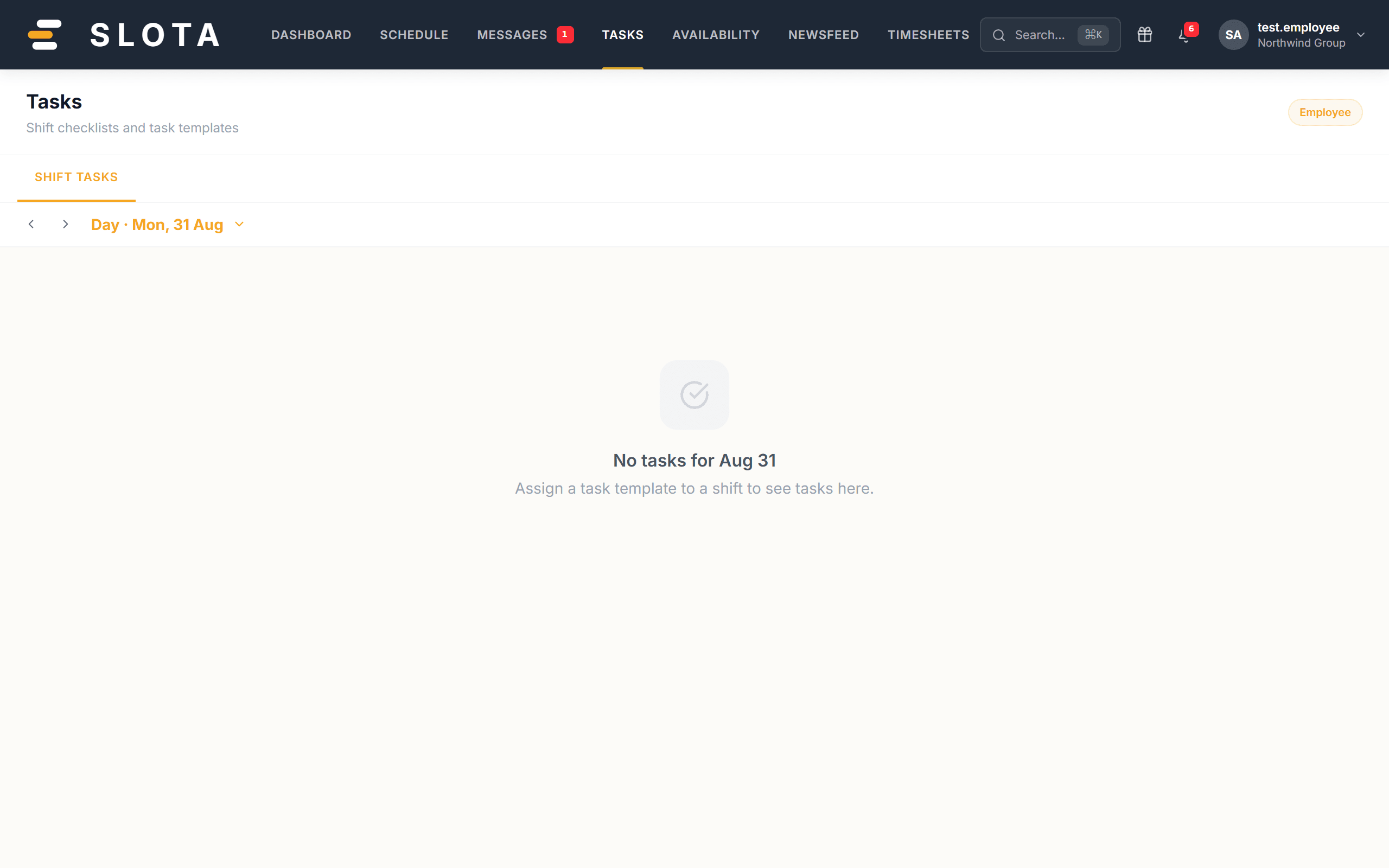
Managers can also attach tasks to individual shifts; those appear in the shift's details.