Building task sets (admins)
Create the named groups of tasks staff work through.
For administratorsUpdated 31 August 2026
Open Settings → Onboarding — the page is titled Employee Tasks.
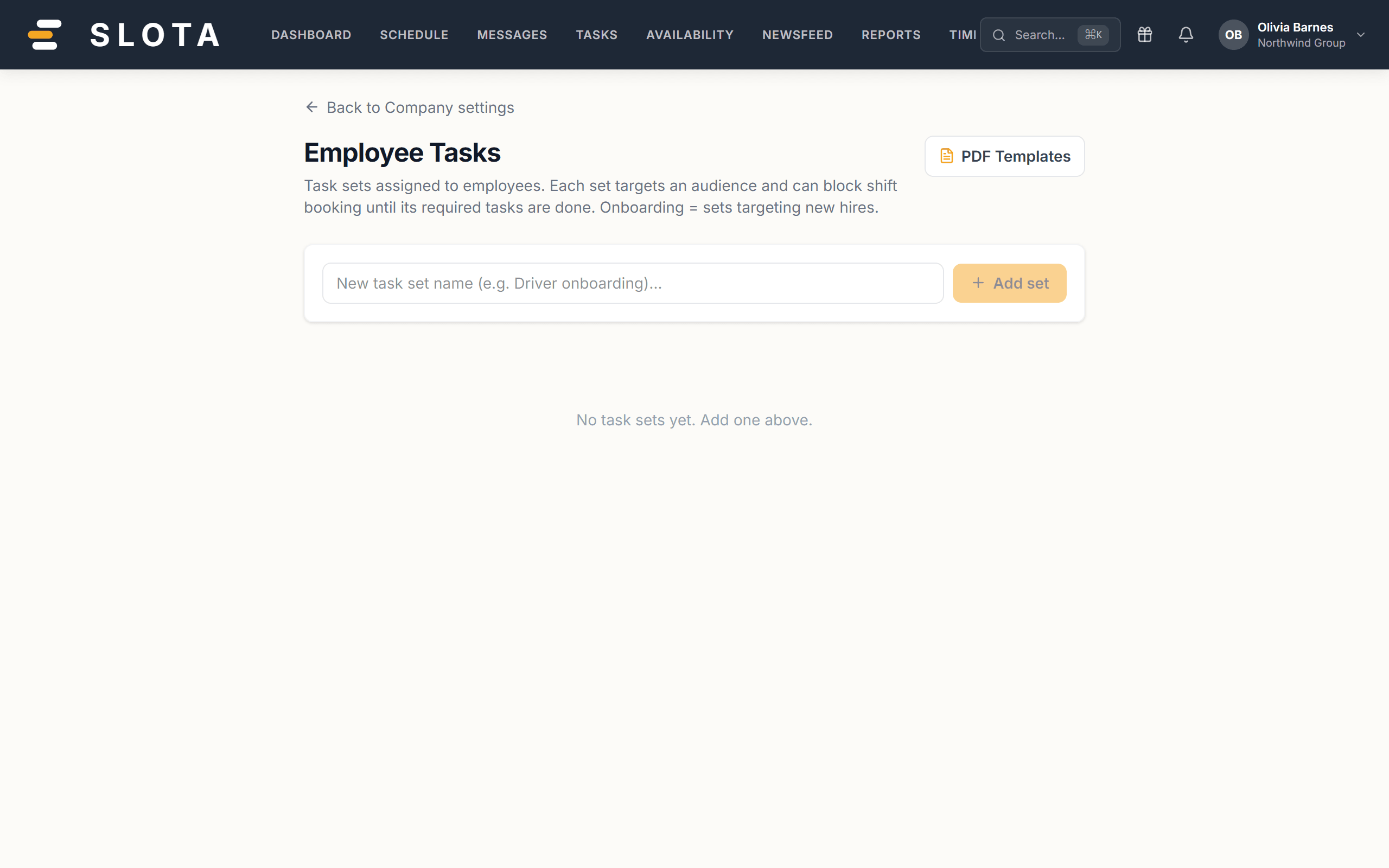
- Name the set and create it.
- Add the individual tasks it contains.
- Toggle a set active or inactive. Inactive sets stop being assigned without losing the work already completed against them.
- Delete a set with the bin icon when it is genuinely finished with.
PDF Templates is reachable from the same page — that is where documents that need signing live.
Practices
- One set per real-world moment: "First day", "Food safety", "Annual refresh". Sets that mix unrelated things never get finished.
- Mark a set as blocking shift booking only if it genuinely must be done before someone works. Overusing the block leaves people unable to pick up shifts for a paperwork reason.
- Deactivate rather than delete when a policy changes. Deleting removes the record that people completed it.