Web troubleshooting
Sign-in loops, missing menus and permission errors.
For everyoneUpdated 31 August 2026
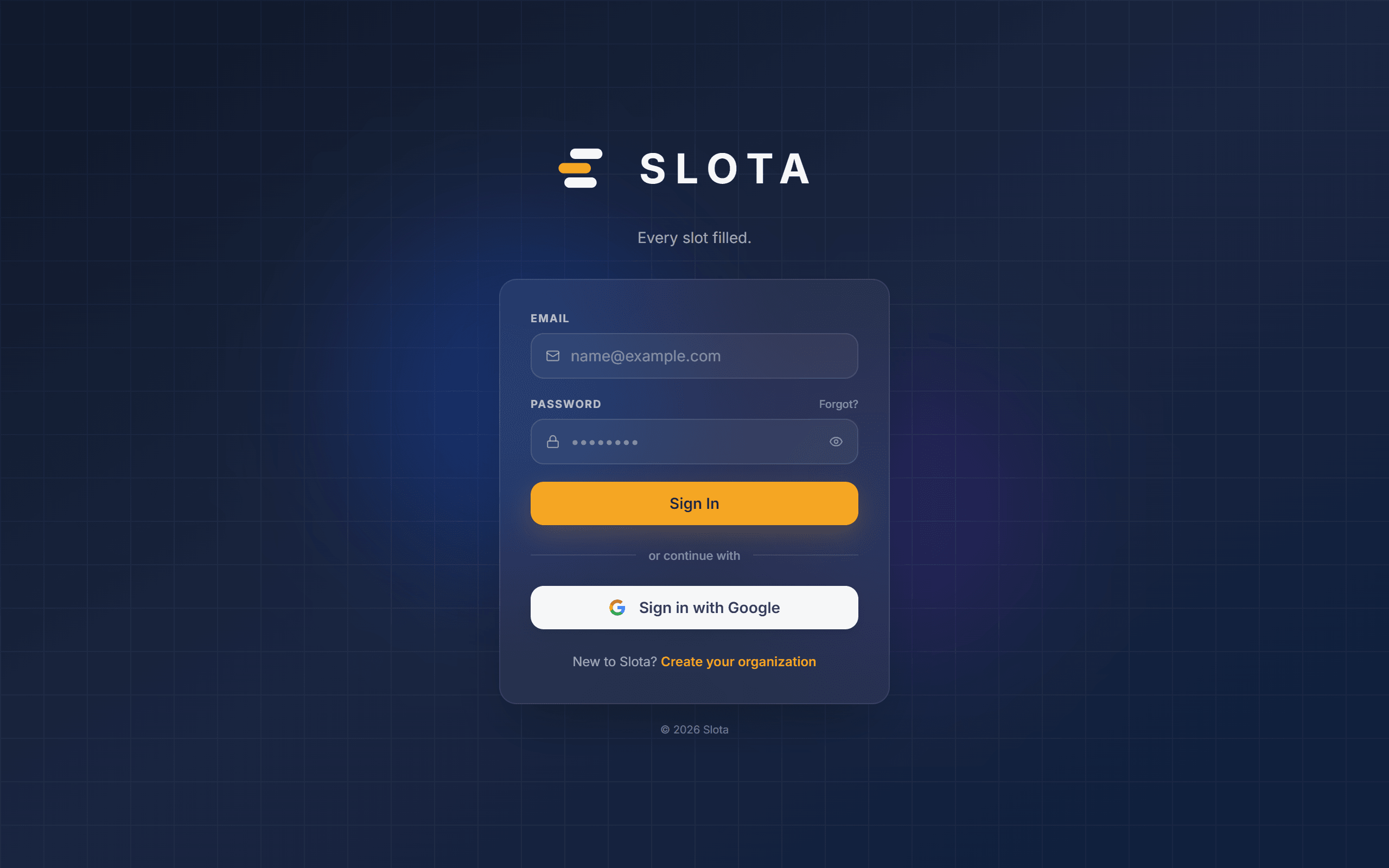
- "Incorrect email or password" — re-type carefully; ask a manager to check your account is active. A deactivated account is blocked at sign-in and looks exactly like a wrong password.
- A menu item is missing — most management screens require the Manager or Admin role; ask an administrator to check your role.
- "Only managers can approve or reject requests" and similar messages mean your role does not allow that action — this is enforced on the server, so it is a real answer, not a glitch.
- A page looks stale — refresh the browser; the schedule and dashboards fetch fresh data on load.
- Something failed to save — you'll always get an on-screen error; retry, and report the exact message to your administrator if it repeats.
- You land on a "suspended" page — the organisation's subscription is not active. Only an administrator can resolve that.