Employee documents (managers)
Store contracts, certificates and files on each employee's profile.
For managers & adminsUpdated 31 August 2026
Each employee profile has a document store for contracts, certifications and other files.
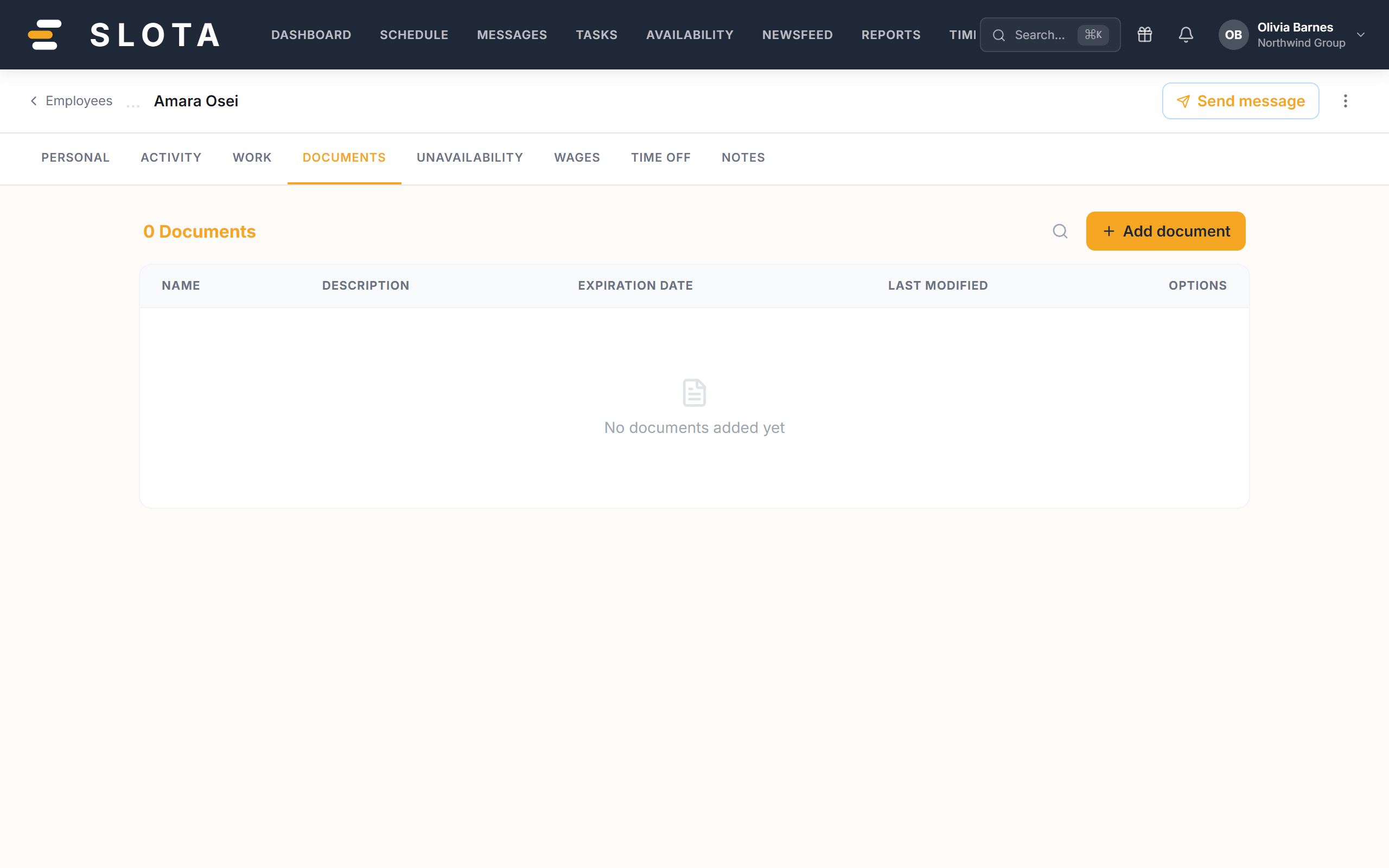
- Open Employees and select the person, then the Documents tab. The heading shows the document count, with a search icon to filter.
- Select + Add document, choose the file and save. Managers can also bulk-upload documents for many employees at once from the directory.
Documents are stored privately — files are served through short-lived signed links, never public URLs. Employees see their own documents on Android under Profile → Documents.
Practices
- Store the signed copy, not the blank template. Templates belong in Settings → Onboarding → PDF Templates.
- Name files so they are findable without opening them: type, date, person.
- A signed link is short-lived, but the file behind it is not. Treat a shared link as a copy of the document.