Roles and what they can do
Employee, Manager and Admin access at a glance.
For administratorsUpdated 31 August 2026
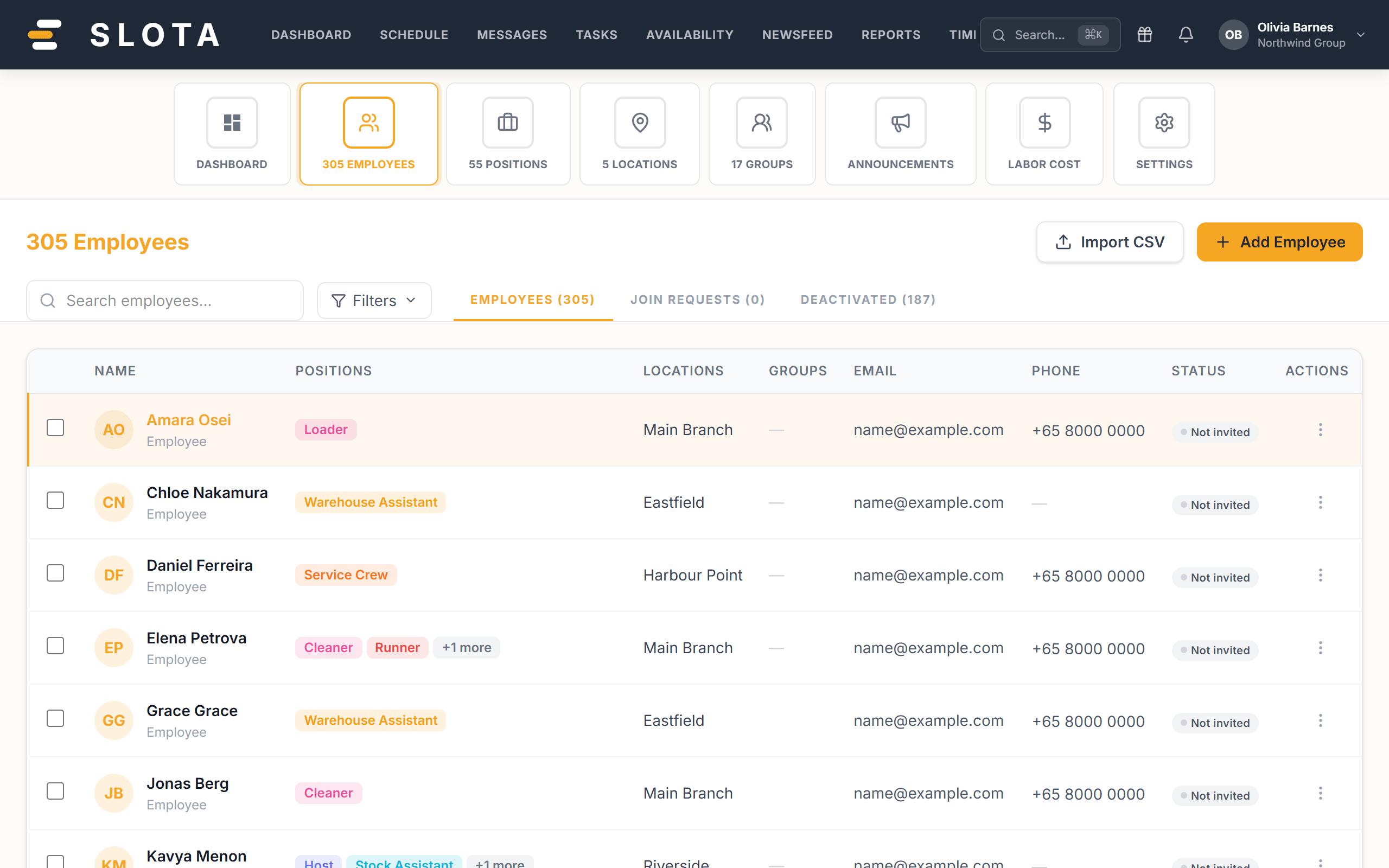
- Employee — sees their own schedule, open shifts, their time off, availability, tasks, messages and timesheets. No management screens; the Android app hides the Manage section. On Schedule they get MY SCHEDULE / AVAILABLE SHIFTS / UNAVAILABILITY.
- Manager — everything an employee has, plus scheduling for the team, deployment, time-off and swap approvals, timesheet review, inviting employees (not admins), reports and announcements. On Schedule they get FULL SCHEDULE / MY LOCATIONS / PENDING APPROVAL / UNAVAILABILITY.
- Admin — everything a manager has, plus organisation settings, positions/locations/groups administration, deleting records, and role management.
Access is enforced on the server for every request — hiding a button is never the only protection. If you see "Only managers can approve or reject requests", that is the server refusing, not the interface being shy.
Practices
- Keep the admin count small. Admin is the role that can change pay rules, delete records and re-grant roles.
- Promote to Manager for people who build rosters, not for people who merely need to see them — schedule visibility is a Settings → Schedule option, not a role.