The employee profile (managers)
A tour of all eight tabs on a person's record.
Open Employees and select a person. Their profile has eight tabs.
Personal
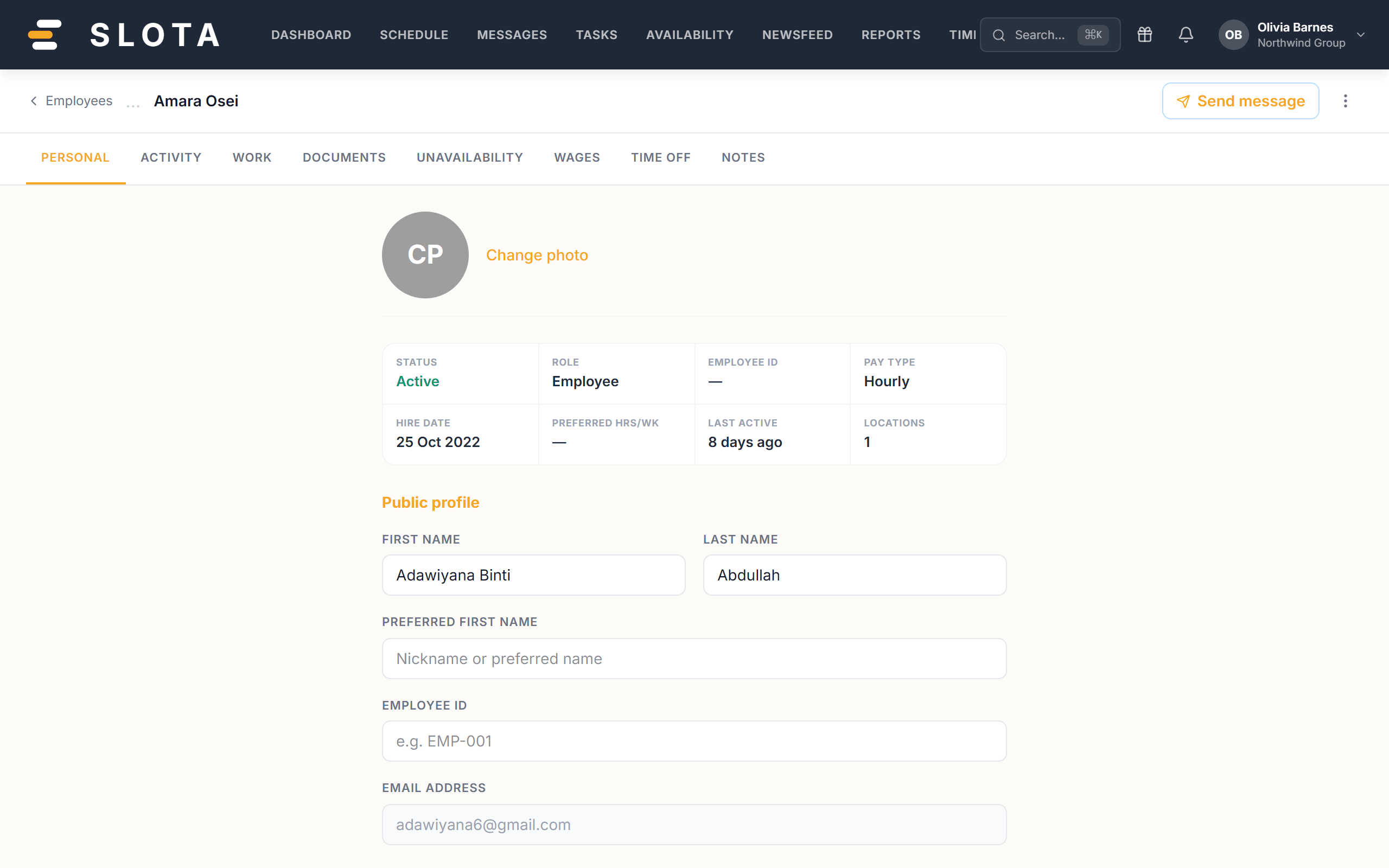
First Name, Last Name, Preferred First Name, Employee ID, Email Address (read-only — it is the sign-in identity), Date of Birth, Country Code / Phone Number, Home Address, and an emergency block: Emergency Contact, Relationship to Employee, and their phone.
Activity
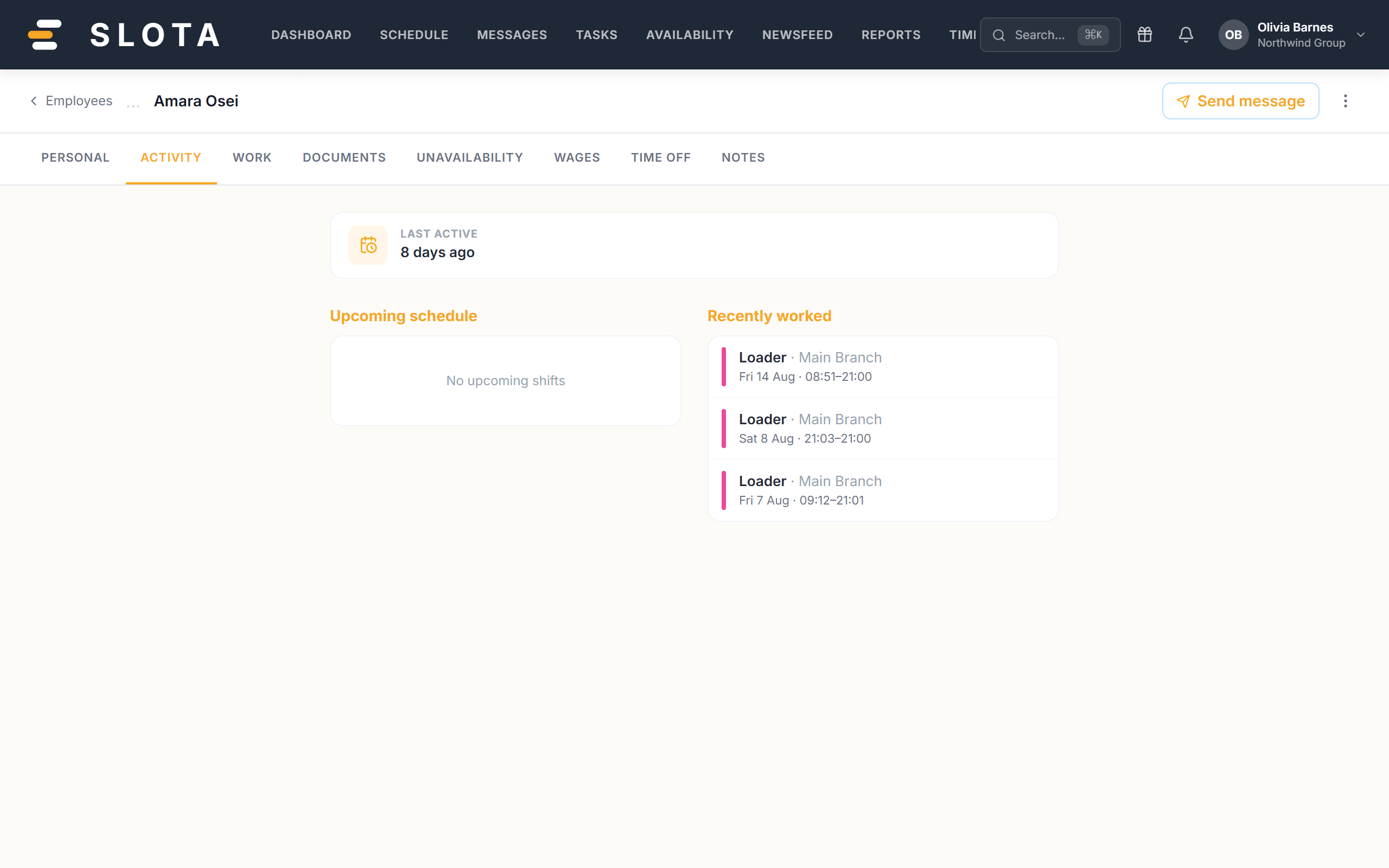
A record of the person's activity in Slota. Useful when you need to answer "when did this change?" without guessing.
Work
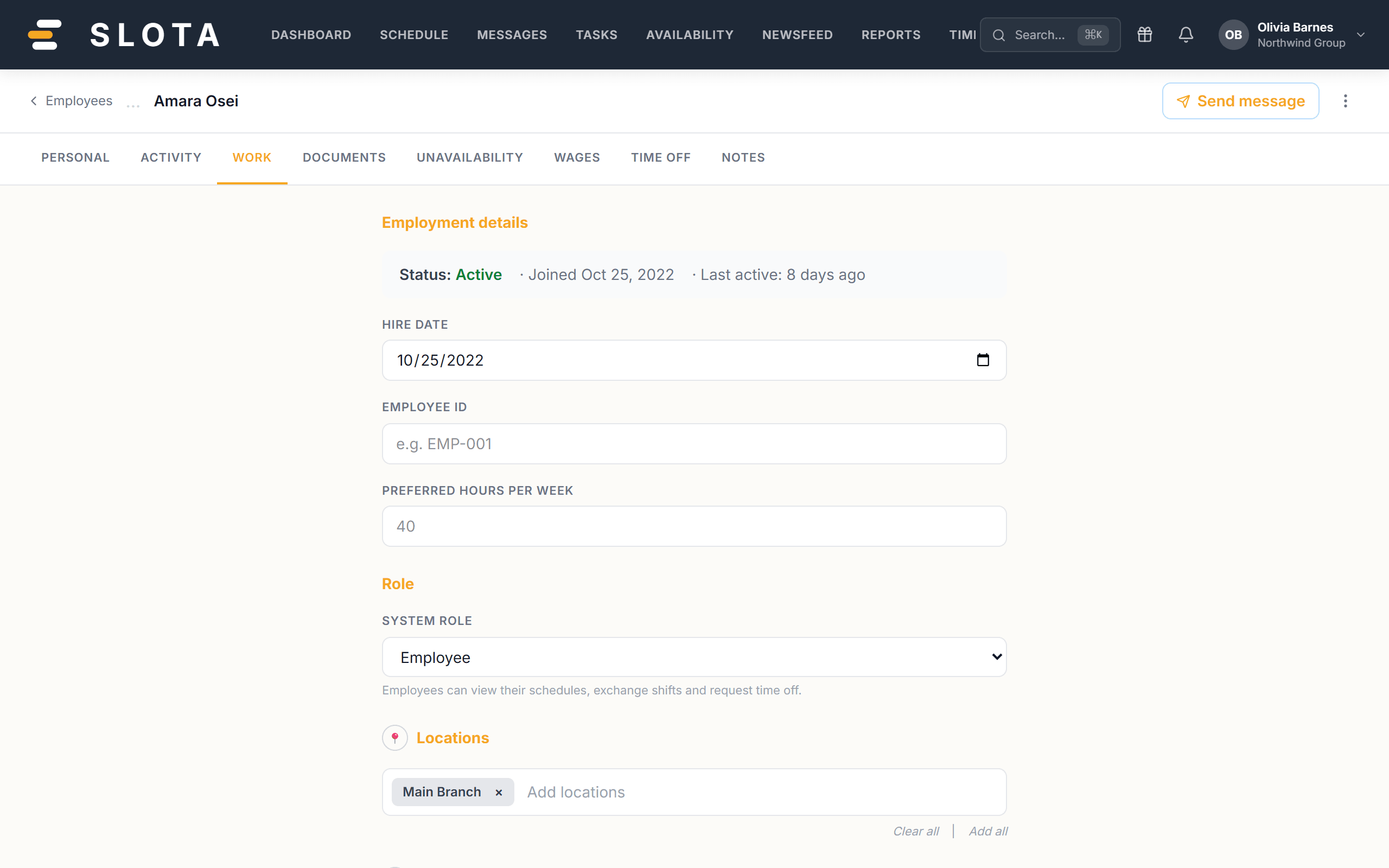
Hire date, Employee ID, Preferred hours per week, System role, and the Time clock PIN — the 4-digit PIN used at the kiosk. Manager-only fields are disabled for non-managers rather than hidden, so it is clear they exist.
Documents
See *Employee documents*.
Unavailability
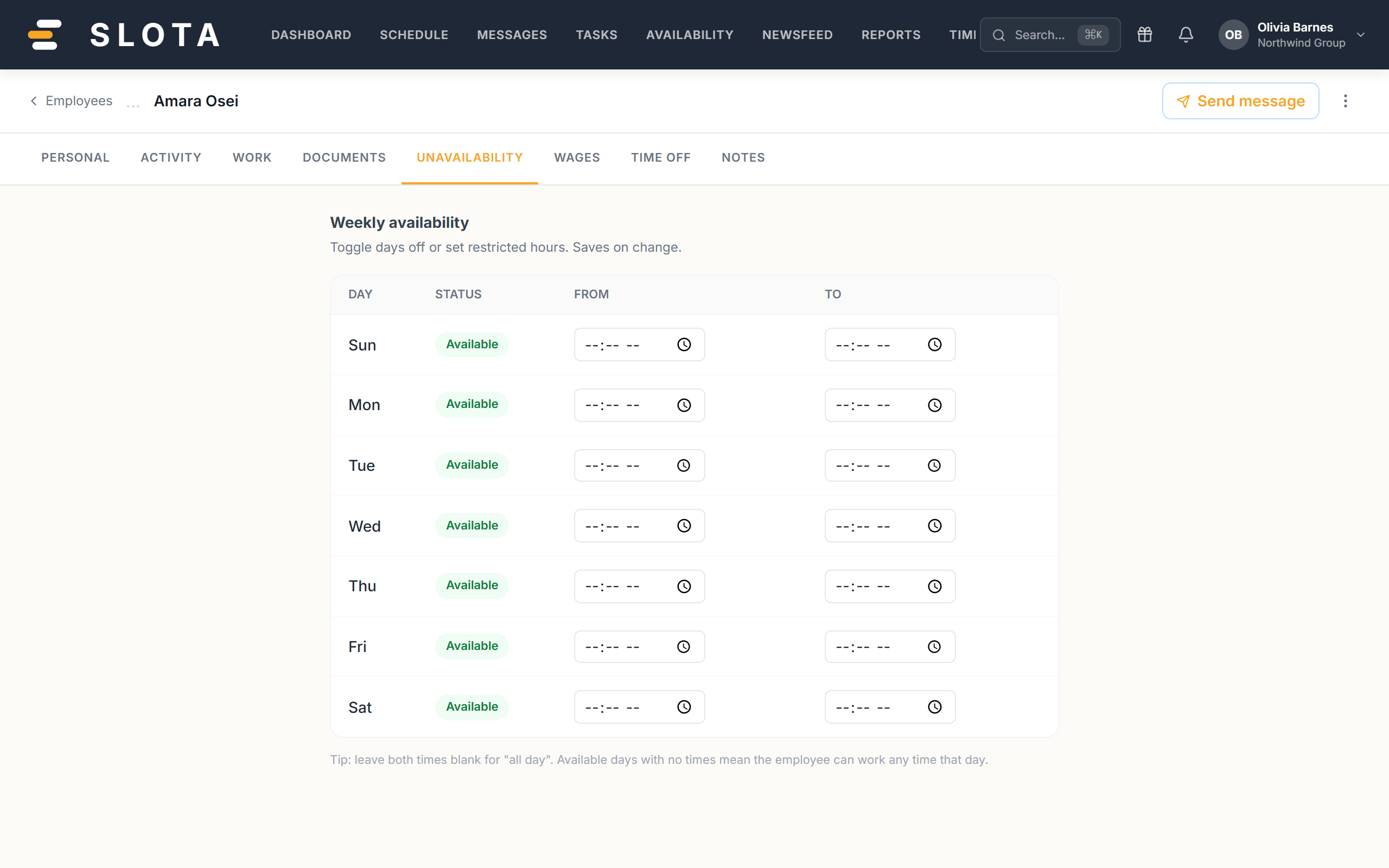
Standing patterns of hours the person cannot work. Not a leave request — see *Availability vs time off vs unavailability*.
Wages
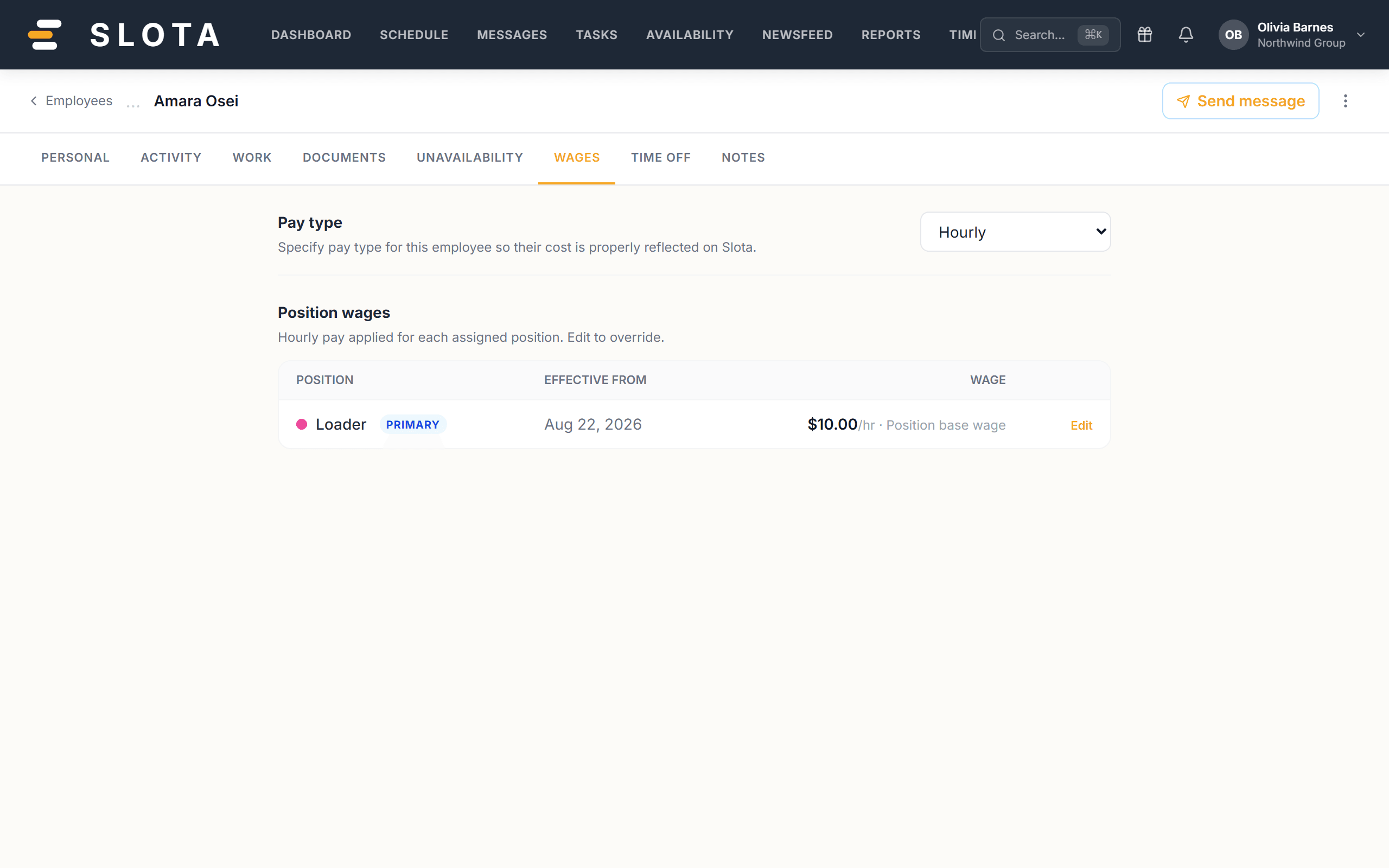
Pay type is Hourly or Salary. For hourly staff, Slota holds an hourly rate per assigned position — "Hourly pay applied for each assigned position. Edit to override." Each rate carries an effective from date, so a raise is recorded as a dated change rather than overwriting history.
Time Off
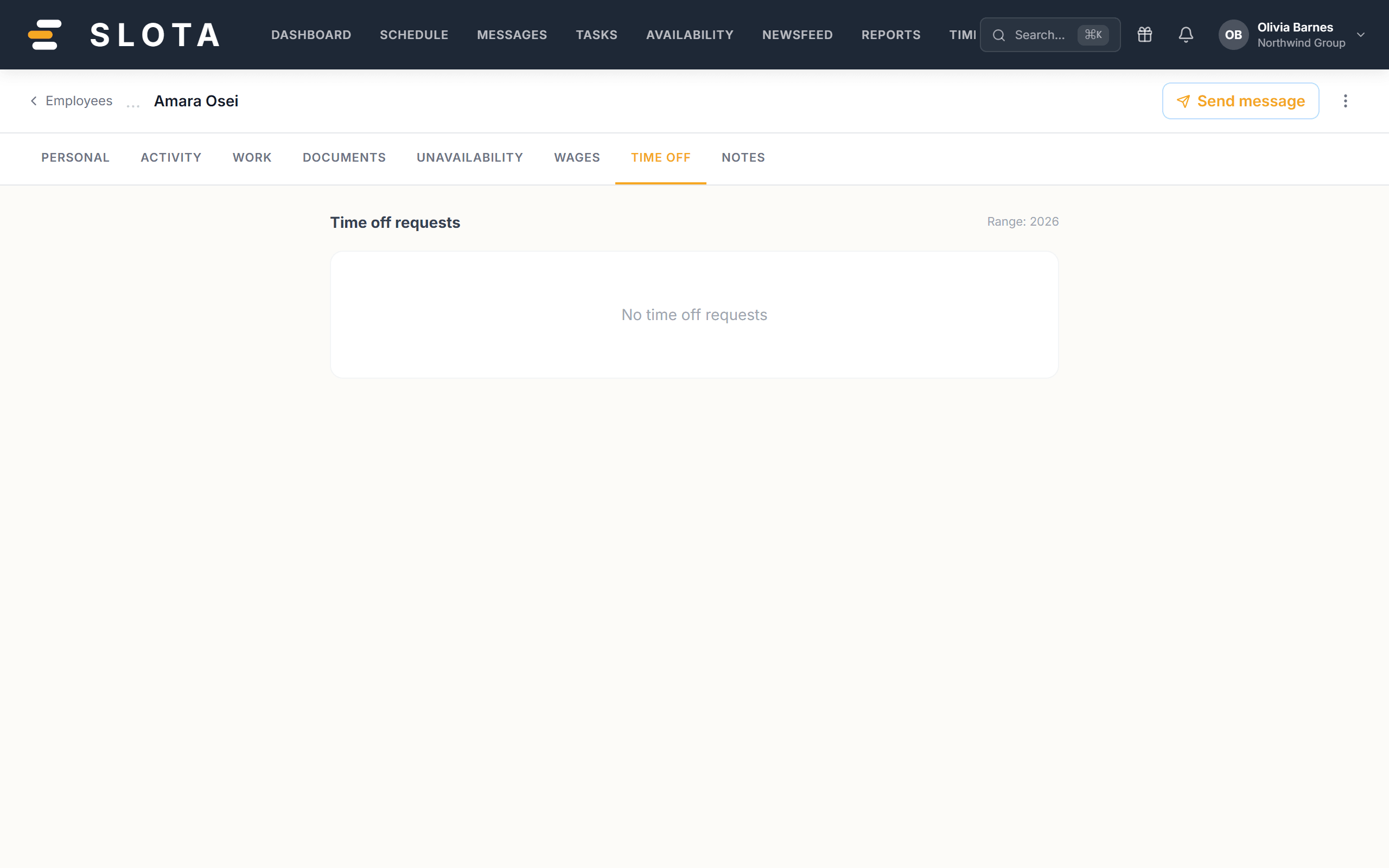
This person's requests and balances in one place.
Notes
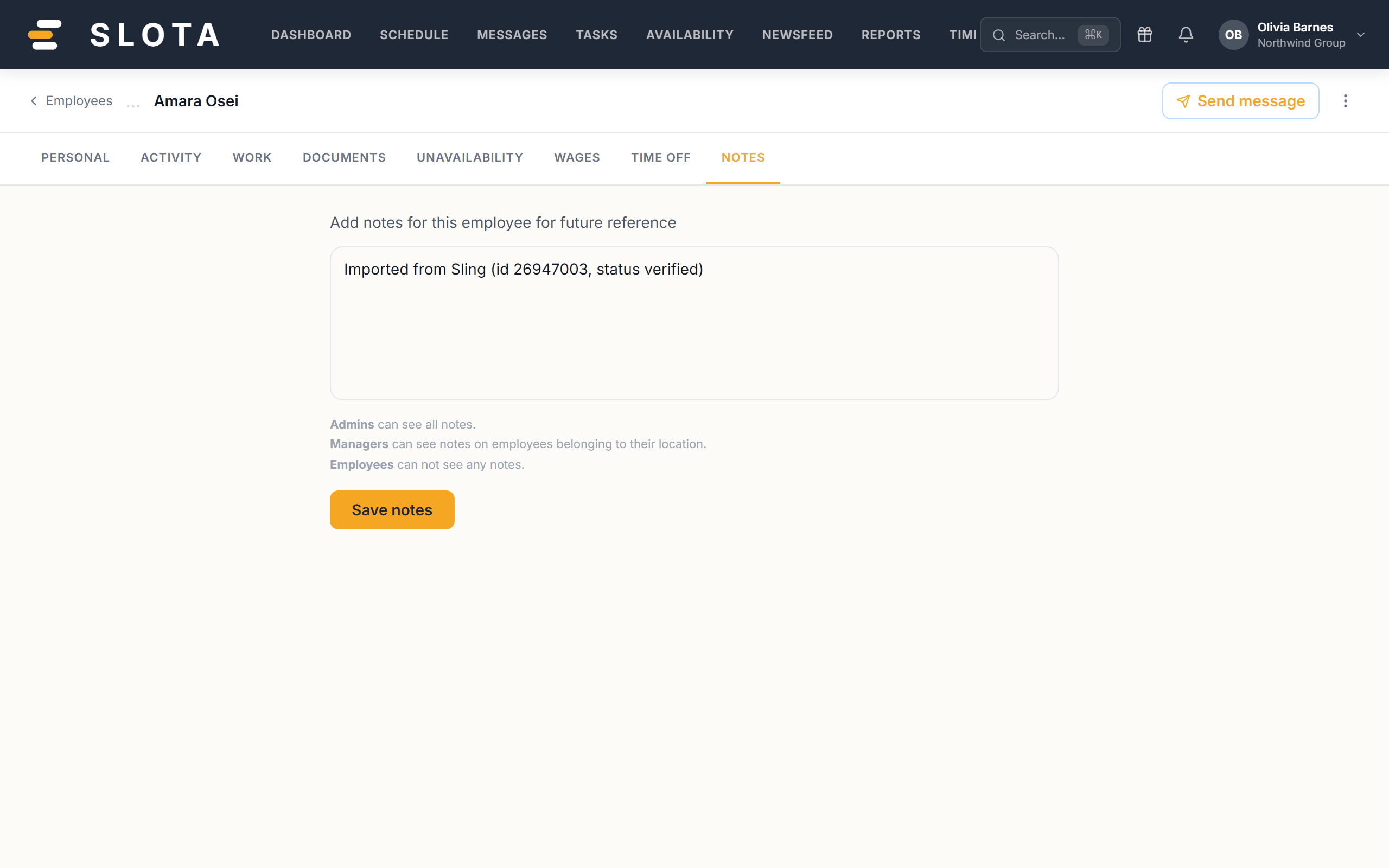
Manager notes attached to the record.
The time clock PIN, push token and face data are protected at the database level. A query that so much as names those columns is refused rather than quietly returning a partial row — so they cannot leak through a careless read.