Notifications
The bell, the unread badge, and what Slota notifies you about.
For everyoneUpdated 31 August 2026
Web
- The bell in the top bar shows a red badge with your unread count.
- Select it to open the Notifications panel — newest first, unread items highlighted.
- Select a notification to mark it read, or use Mark all read to clear the badge in one go.
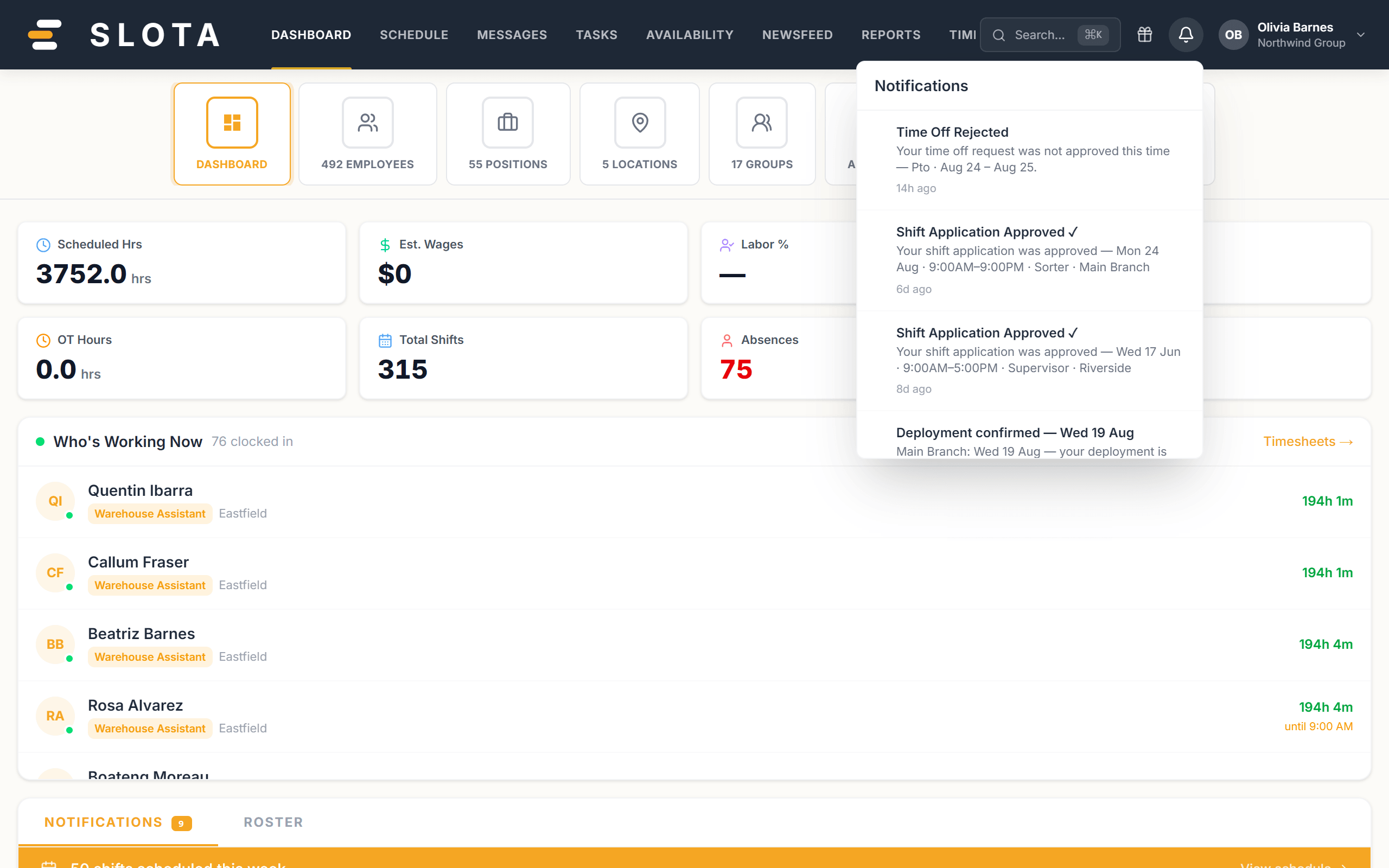
The list refreshes automatically — new notifications appear without reloading the page.
What you get notified about
Which of these fire is controlled by your administrator in Settings → Notifications:
- Schedule published — a manager published shifts that involve you.
- Upcoming shift reminder — sent before your shift starts.
- Time-off approved / rejected — a decision on your leave request.
- Shift accepted / denied and shift swap request — sent to managers.
- Late arrival, no-show and missed break alerts — sent to managers.
- Clopening warning — raised when scheduling would leave too little rest between a closing and an opening shift.
- New message — a direct or group message arrived.
- Deployment changes and cover invites (confirm these from the Android Action Inbox).
Android app
The same notifications arrive in the Action Inbox on the Home tab, and as push notifications if Profile → Push notifications is enabled.