Open shifts and applications
Offering shifts for staff to claim, and applying for one.
For everyoneUpdated 31 August 2026
An Unassigned shift is a hole in the roster that managers fill. An Available shift is deliberately offered to staff.
For employees
- Open shifts appear on your Schedule in the Available row.
- Select the shift and choose Apply for this shift. Confirm when asked.
- The button changes to Application pending until a manager decides. If they assign it to you, it becomes a normal shift and you are notified.
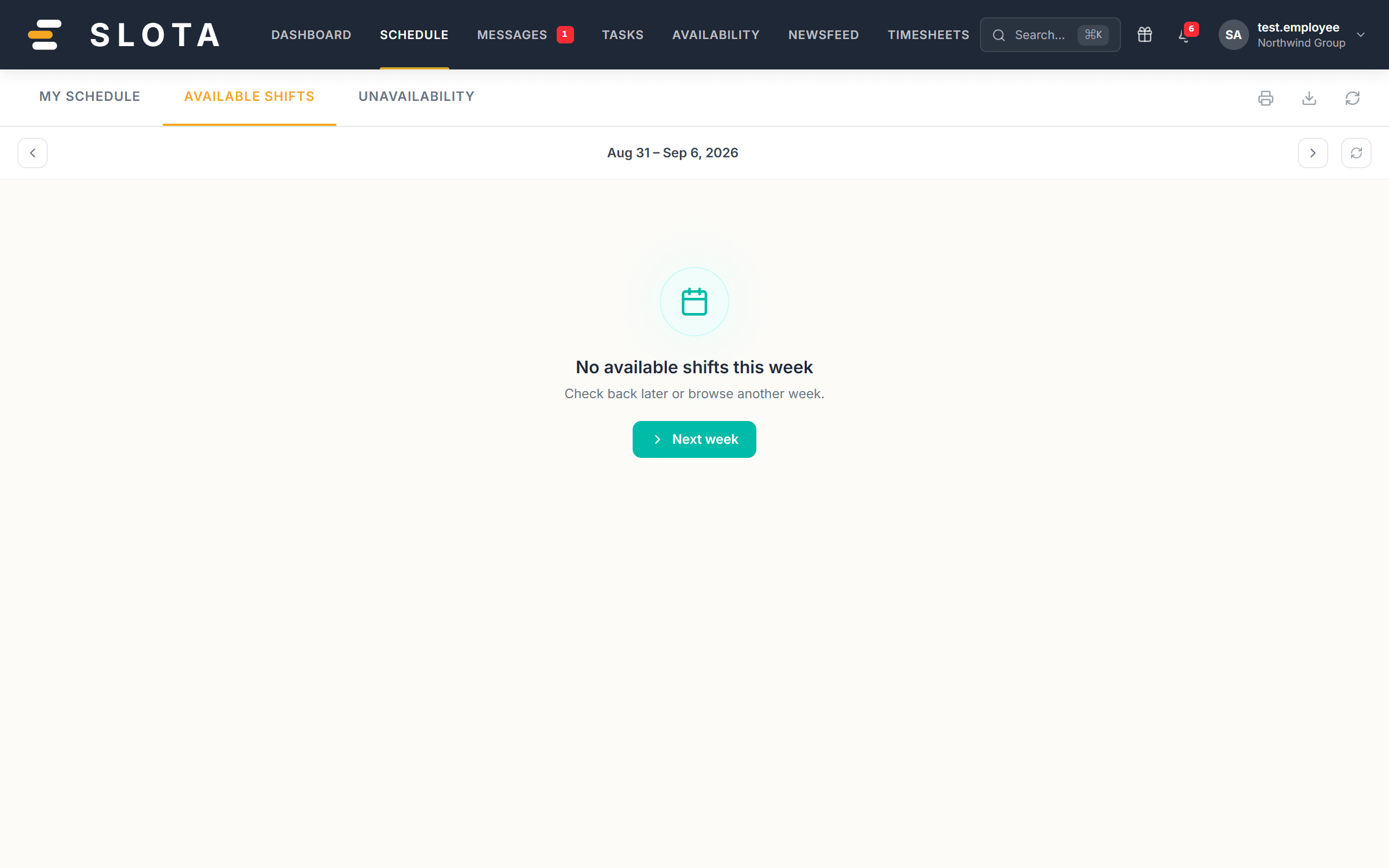
You can only see and apply for shifts you are eligible for. When Restrict shift exchanges by location is on, that means shifts matching your own location and position.
For managers
- Create the shift as Available rather than Unassigned to invite applications.
- Applications arrive as a count on the shift; open it to review and approve.
- Settings → Schedule → Allow open shifts is the master switch. With it off, employees cannot pick up unassigned shifts at all.
Practices
- Open shifts work best when eligibility is genuinely open. If only two people can do the job, offer it to them directly instead.
- Decide applications quickly. A shift sitting in "Application pending" for days trains people to stop applying.